A browser can reveal more about its environment than its user-agent string suggests.
Even when a website cannot directly read a device's complete hardware configuration, browser APIs can expose observable characteristics related to graphics, audio processing, screen configuration, language, hardware capabilities, and other browser behaviors.
One of the less visible techniques in this ecosystem is AudioContext fingerprinting.
AudioContext fingerprinting examines how a browser processes a controlled audio workload and uses the resulting characteristics as one signal within a broader browser fingerprint. It does not mean that a website is recording the user's microphone or listening to their speakers.
Instead, the technique can use the Web Audio API to create and process audio data inside the browser and observe characteristics of that processing.
The important distinction is that AudioContext is a normal web platform API, while AudioContext fingerprinting is a potential privacy use of observable behavior exposed through that API. The Web Audio API itself exists for legitimate applications such as music, games, audio visualization, effects, spatial audio, and media processing.
Understanding this distinction is important because AudioContext is not an isolated identifier. Its value comes from how it fits together with other browser and device signals.
Read: What Is Browser Fingerprinting? How It Works
What Is AudioContext Fingerprinting?
AudioContext fingerprinting is a browser fingerprinting technique that uses observable characteristics of Web Audio processing as one component of a browser or device fingerprint.
A fingerprinting script can construct an audio-processing graph, process a controlled signal, and inspect the resulting output or related properties.
The result can then be converted into a value or feature set that becomes one part of a larger fingerprint.
A simplified model looks like this:
Web Audio API → Audio Processing → Observable Output → Audio Signal → Fingerprint Feature
The resulting audio signal is normally not enough by itself to uniquely identify a person.
Instead, it can contribute another piece of information to a larger identity model that may also include:
- browser version
- operating system
- screen dimensions
- language
- timezone
- fonts
- Canvas behavior
- WebGL behavior
- hardware characteristics
- browser capabilities
- Client Hints
- network information
- cookies or other storage
This is consistent with the broader definition of browser fingerprinting: websites combine multiple distinguishing browser and operating-system characteristics to create a fingerprint.
Read: How Browser Fingerprinting Works: A Technical Deep Dive
What Is the Web Audio API?
Before understanding AudioContext fingerprinting, it helps to understand the technology behind it.
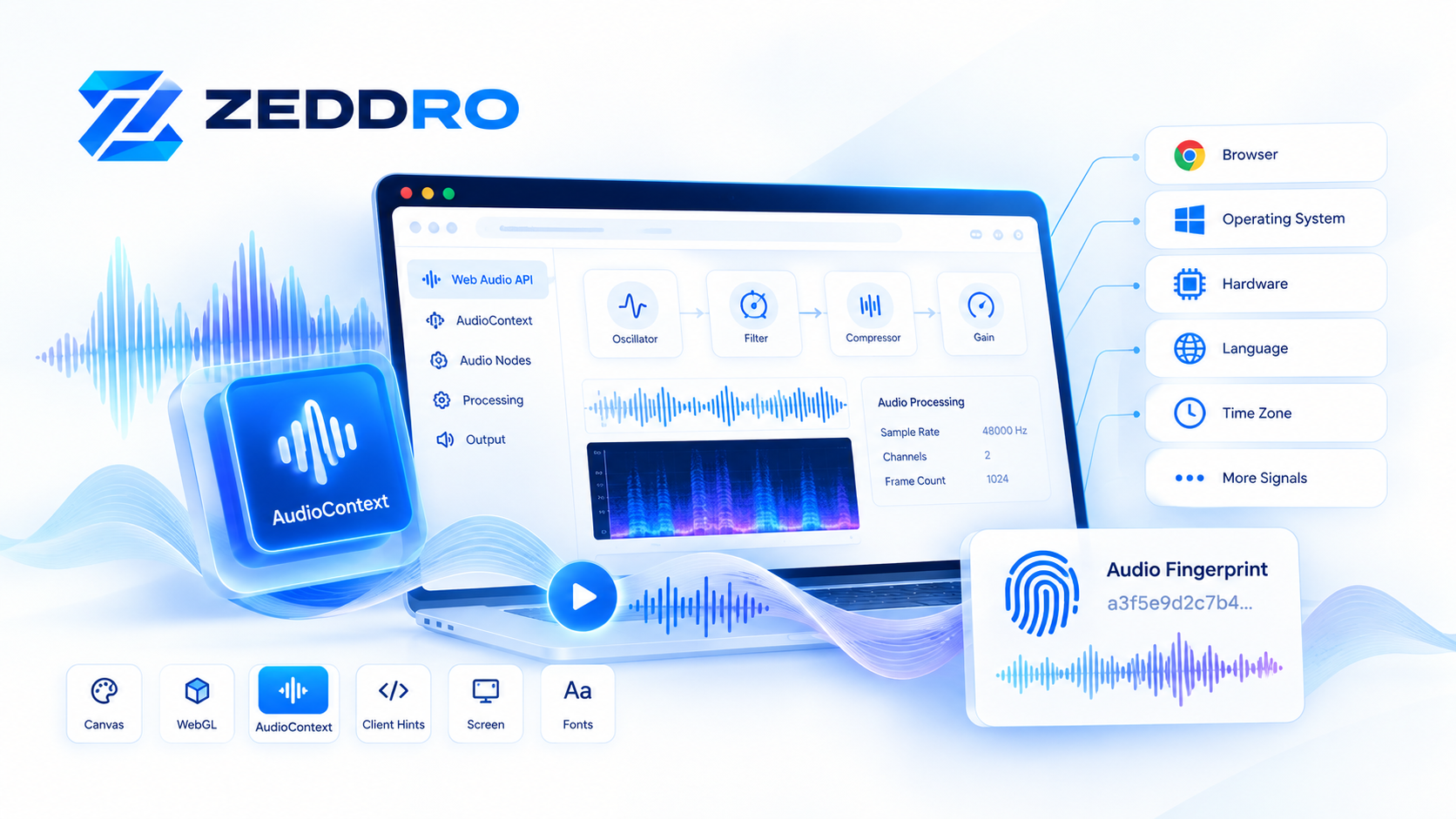
The Web Audio API is a browser API designed for processing and synthesizing audio.
It uses an audio graph composed of interconnected audio nodes.
For example:
Audio Source
     ↓
Oscillator
     ↓
Filter / Compressor
     ↓
Gain
     ↓
Destination
Each node performs a particular operation, and multiple nodes can be connected together to create a processing pipeline.
The Web Audio API supports applications ranging from simple audio playback to advanced effects, visualization, spatial audio, and real-time processing.
The central object is the AudioContext.
An AudioContext represents an audio-processing environment containing the nodes and processing operations used by a web application.
For example:
const audioContext = new AudioContext();From there, a website can create audio nodes and connect them into an audio graph.
This functionality is completely legitimate.
The privacy issue appears when the behavior of that processing is measured as part of browser fingerprinting.
How Does AudioContext Fingerprinting Work?
A simplified AudioContext fingerprinting process can be understood in several stages.
1. Create an AudioContext
A website creates an AudioContext or OfflineAudioContext.
The context provides the environment in which audio processing takes place.
An offline context can be particularly useful for fingerprinting because audio can be processed without requiring the user to hear anything.
The Web Audio API explicitly supports offline audio-processing graphs through OfflineAudioContext.
2. Build an Audio Processing Graph
The script can create several audio-processing nodes.
A conceptual example might look like:
Oscillator
     ↓
Dynamics Compressor
     ↓
Gain / Processing
     ↓
Offline Rendering
     ↓
Audio Buffer
The exact graph and parameters can vary between implementations.
The purpose is to create a controlled workload that produces a measurable result.
3. Render the Audio
The browser processes the graph and generates an audio buffer.
Instead of simply asking:
"What audio device does this computer have?"
the technique is closer to asking:
"How does this browser environment process this particular audio workload?"
That distinction is important.
AudioContext fingerprinting is primarily about observable processing behavior, not a simple hardware identifier.
4. Read the Result
After processing, a script can inspect the rendered audio data.
The output consists of numerical audio samples.
Small differences in processing can potentially produce differences in the resulting data.
Those differences can then be summarized into features or a fingerprint value.
5. Combine the Audio Signal With Other Signals
The audio result becomes one component of a larger fingerprint.
For example:
Browser
   +
Operating System
   +
Screen
   +
Canvas
   +
WebGL
   +
AudioContext
   +
Language
   +
Timezone
   +
Hardware Signals
   =
Browser Fingerprint
This is the key concept.
AudioContext fingerprinting is usually more useful as a supporting signal than as a standalone identity mechanism.
What Information Can Audio Processing Reveal?
Audio fingerprinting should not be described as a magic method that reveals the exact sound card or uniquely identifies every computer.
The more accurate description is that browser audio processing can expose observable characteristics of the client environment.
Depending on the browser and implementation, potentially relevant characteristics can include:
- audio processing behavior
- sample-rate-related characteristics
- channel configuration
- timing behavior
- output generated by specific audio-processing operations
- browser-specific implementation behavior
- differences introduced by the underlying software and hardware stack
The Web Audio specification and related privacy discussions recognize that exposing certain audio characteristics can contribute to fingerprinting.
Modern browser behavior can also deliberately reduce the precision of some exposed information. For example, MDN documents that AudioContext.currentTime precision may be reduced as a protection against timing attacks and fingerprinting.
Why Can Different Devices Produce Different Results?
A natural question is:
If the same JavaScript runs everywhere, why would the result be different?
The answer is that the browser is not operating in isolation.
The complete processing path can involve multiple layers:
Website JavaScript
        ↓
Browser Web Audio Implementation
        ↓
Operating System
        ↓
Audio Processing Libraries
        ↓
Hardware / Drivers
        ↓
Rendered Audio Result
Differences between these layers can affect the observable output.
For example, two computers may use:
- different operating systems
- different browser versions
- different audio implementations
- different sample rates
- different channel configurations
- different hardware
- different drivers
- different browser privacy settings
Consequently, a controlled audio-processing workload may not necessarily produce identical results across all environments.
This is one reason browser fingerprinting generally relies on multiple signals rather than a single attribute.
AudioContext Fingerprinting vs. Canvas Fingerprinting
Canvas and AudioContext fingerprinting are conceptually similar because both use browser APIs to observe rendering or processing behavior.
But they operate in different domains.
| Signal | Primary Domain | What Is Observed |
|---|---|---|
| Canvas | Graphics | Rendering output |
| WebGL | Graphics / GPU | 3D rendering and graphics capabilities |
| AudioContext | Audio | Audio-processing behavior |
| Client Hints | Browser/device metadata | Browser and platform information |
Canvas fingerprinting typically involves rendering controlled graphics and examining the resulting pixel data.
AudioContext fingerprinting instead works with audio-processing output.
The two can therefore provide different information.
For a deeper explanation of Canvas fingerprinting, see our article:
Canvas Fingerprinting: How It Works and Why It Matters
Read: Canvas Fingerprinting: How It Works and Why It Matters
AudioContext Fingerprinting vs. WebGL Fingerprinting
WebGL fingerprinting is another important browser fingerprinting technique.
WebGL allows websites to perform hardware-accelerated graphics rendering through a browser API. Some WebGL-related information can expose vendor and renderer strings when the relevant API is available.
The difference is straightforward:
WebGL → graphics processing
AudioContext → audio processing
A browser fingerprinting system can therefore use both signals.
For example:
Canvas
   +
WebGL
   +
AudioContext
   +
Browser Metadata
   =
More Complete Fingerprint
Our technical guide to WebGL fingerprinting explains this graphics side in more detail:
WebGL Fingerprinting: How It Works and Why It Matters in 2026
AudioContext as Part of a Larger Browser Fingerprint
The most important concept to understand is that browser fingerprinting is multidimensional.
A fingerprint rarely depends on one value.
Instead, a website can combine many characteristics.
For example:
| Signal | Example |
|---|---|
| Browser | Chromium-based browser |
| Platform | Windows |
| Screen | 1920 × 1080 |
| Language | English |
| Timezone | UTC+1 |
| Canvas | Rendering output |
| WebGL | Renderer characteristics |
| Audio | Audio processing behavior |
| Hardware | Available browser-reported capabilities |
| Client Hints | Browser/platform signals |
The combination can be considerably more informative than any individual signal.
This is why changing one browser characteristic does not necessarily produce a completely different identity.
The resulting fingerprint still has to make sense as a whole.
What Is Audio Fingerprint Entropy?
In fingerprinting research, entropy is a way of thinking about how much distinguishing information a signal can provide.
A signal shared by almost every browser has very little distinguishing value.
A signal with many possible values can potentially contribute more information.
But entropy should not be interpreted as:
"This signal identifies exactly X% of users."
Real fingerprinting systems combine signals, distributions, browser populations, and statistical methods.
For AudioContext specifically, the practical value depends on:
- browser implementation
- operating system
- hardware
- privacy protections
- processing pipeline
- measurement methodology
- population being measured
Therefore, it is more accurate to describe AudioContext as a potentially useful supporting signal rather than claiming that it is universally unique.
Can an Audio Fingerprint Change?
Yes.
An audio-derived fingerprint is not necessarily permanent.
It can change when relevant parts of the environment change.
Possible causes include:
- browser updates
- operating-system changes
- hardware changes
- audio configuration changes
- browser privacy protections
- changes to Web Audio implementation
- virtualization
- changes in drivers or system-level audio processing
This creates an important distinction:
A fingerprint can be stable without being permanent.
A browser environment might produce a consistent result for a period of time while still changing after a meaningful environment update.
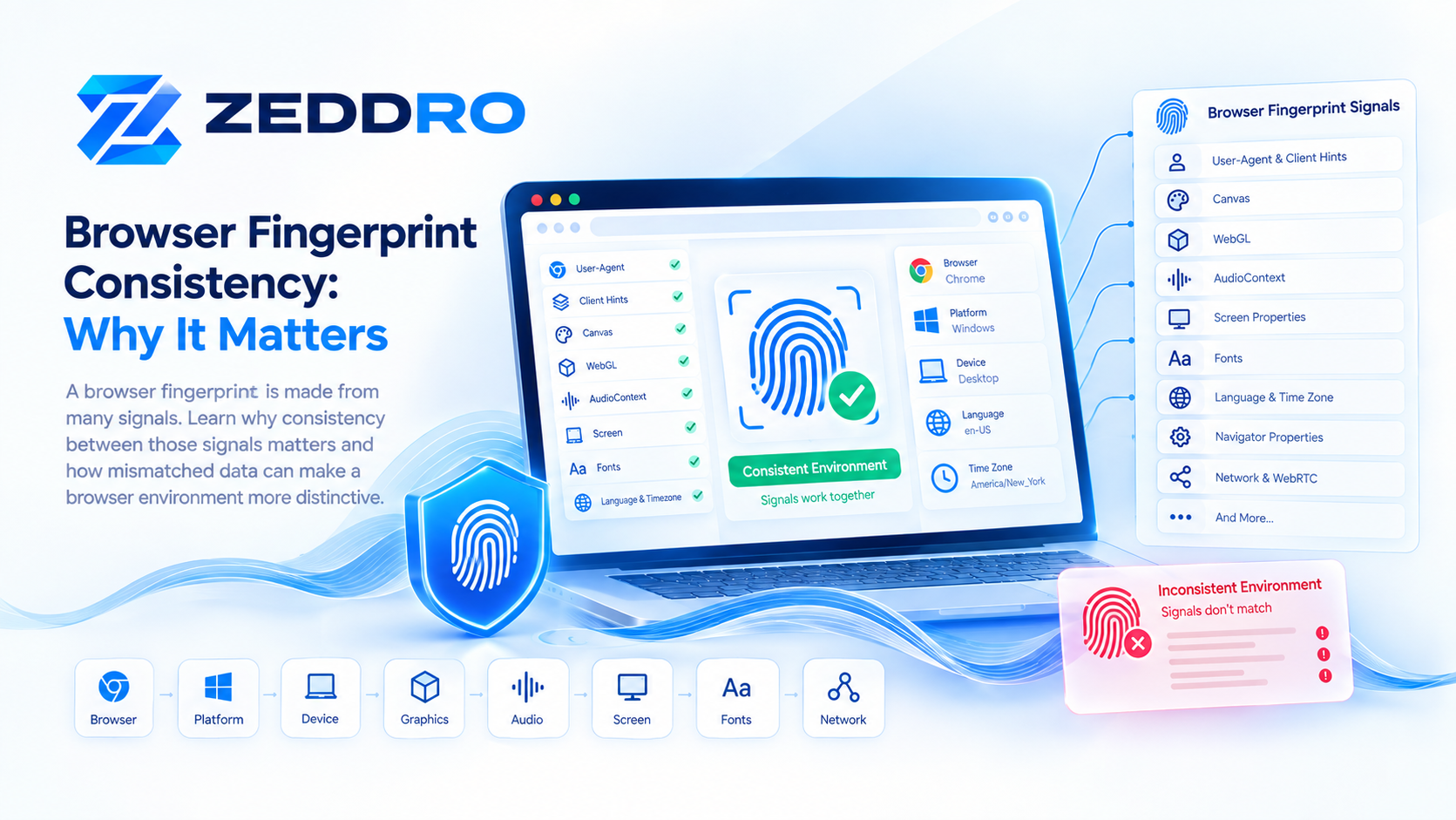
Why Fingerprint Consistency Matters
Suppose a browser environment reports:
Windows
1920×1080
Chrome
WebGL Renderer A
Audio Signal A
Timezone UTC+1
Later, the same environment suddenly reports:
Windows
1920×1080
Chrome
WebGL Renderer B
Audio Signal Z
Timezone UTC+1
A system examining browser identity may see an unusual combination.
This is why fingerprint management should not simply focus on randomizing individual values.
The more important question is:
Do the signals form a coherent browser environment?
This concept of consistency is central to modern fingerprint management.
You can learn more about the general mechanism in:
How Browser Fingerprinting Works: A Technical Deep Dive
and:
What Is Browser Fingerprinting? How It Works in 2026
Randomization vs. Consistency
It is tempting to assume that changing fingerprint values as frequently as possible provides stronger privacy.
In reality, indiscriminate randomization can create new inconsistencies.
Imagine a browser reporting:
Platform: Windows
Browser: Chrome
Audio behavior: configuration A
WebGL: configuration normally associated with another environment
Screen: unusual combination
The individual values may look different from the previous session, but the overall combination may become less natural.
A better conceptual model is:
Controlled variation + internal consistency
rather than:
Random variation everywhere
This principle is particularly relevant to isolated browser environments and privacy-oriented browser configurations.
AudioContext Fingerprinting and Privacy
Fingerprinting presents a privacy challenge because it can allow websites to distinguish browsers without relying exclusively on traditional cookies.
The W3C identifies exposure of browser settings and characteristics as a privacy concern because these characteristics can contribute to fingerprinting.
However, fingerprinting is not inherently malicious.
Legitimate applications include:
- fraud prevention
- account security
- abuse detection
- bot detection
- device recognition
- security analytics
- personalization
- session integrity
The privacy question depends on what is collected, why it is collected, how it is combined, and how long it is retained.
That is why modern browsers increasingly introduce privacy protections that reduce the precision or availability of certain signals.
Can Websites Detect AudioContext Fingerprinting?
There is no universal browser-level indicator saying:
"This website is currently performing AudioContext fingerprinting."
A website can legitimately use the Web Audio API for many reasons.
For example:
- music playback
- audio effects
- games
- voice applications
- visualizations
- audio editing
- spatial audio
- media processing
Therefore, merely seeing Web Audio API activity does not prove that fingerprinting is taking place.
Detection can instead involve analyzing application behavior, scripts, API usage patterns, and the broader context.
This is another reason why statements such as "every AudioContext operation is fingerprinting" would be technically inaccurate.
How Modern Browsers Mitigate Audio Fingerprinting
Browser vendors have several ways to reduce fingerprinting risks.
One approach is to reduce the precision of information available to websites.
For example, MDN documents reduced precision for AudioContext.currentTime under certain privacy configurations.
More broadly, privacy-oriented browser design can involve:
- reducing precision
- limiting exposed information
- standardizing values
- introducing controlled variation
- restricting APIs
- partitioning data
- reducing cross-site observability
The objective is not necessarily to make Web Audio unusable.
Instead, browser privacy engineering tries to balance:
Functionality ↔ Privacy
The W3C's fingerprinting guidance explicitly discusses this balance when designing web specifications.
AudioContext Fingerprinting in 2026
AudioContext remains relevant because modern browser fingerprinting is increasingly understood as a signal-combination problem rather than a single-feature problem.
A contemporary fingerprint can involve many categories:
Browser
│
├── User Agent
├── Client Hints
├── Language
├── Timezone
│
Graphics
│
├── Canvas
├── WebGL
├── Screen
│
Audio
│
├── AudioContext
├── Audio Processing
│
Hardware / Platform
│
├── CPU-related signals
├── Memory-related signals
├── Device capabilities
│
Network
│
├── IP
├── Proxy
├── Connection characteristics
│
Storage
│
├── Cookies
├── Local Storage
└── Other browser state
No individual category tells the complete story.
The interesting part is the relationship between them.
AudioContext Fingerprinting and Anti-Detect Browsers
Anti-detect browsers are designed around the concept of isolated browser environments.
Instead of every browser session sharing the same configuration, each profile can maintain its own browser identity configuration.
Depending on the product and implementation, that can involve:
- browser fingerprint parameters
- Canvas behavior
- WebGL behavior
- WebRTC configuration
- language and timezone
- screen characteristics
- cookies
- local browser storage
- proxy configuration
- audio-related fingerprint signals
AudioContext therefore belongs to the broader fingerprint-management layer rather than being a standalone feature.
The technical challenge is not simply to modify one value.
It is to ensure that the browser environment behaves consistently across the signals that a website can observe.
How Zeddro Approaches AudioContext
Zeddro treats AudioContext as one component of a broader browser fingerprint rather than an isolated identity value.
The goal of fingerprint management is to maintain coherent browser environments across multiple observable signals.
This includes the broader fingerprint stack:
Browser Profile
      │
      ├── Canvas
      ├── WebGL
      ├── AudioContext
      ├── Navigator
      ├── Client Hints
      ├── Fonts
      ├── ClientRects
      ├── WebRTC
      ├── Screen
      └── Other browser signals
The important principle is consistency.
A browser profile should not be viewed as a collection of unrelated random values. It is better understood as a controlled browser environment where related signals are managed together.
For teams managing multiple browser environments, this approach can also make profiles easier to separate by project, client, workflow, or account group.
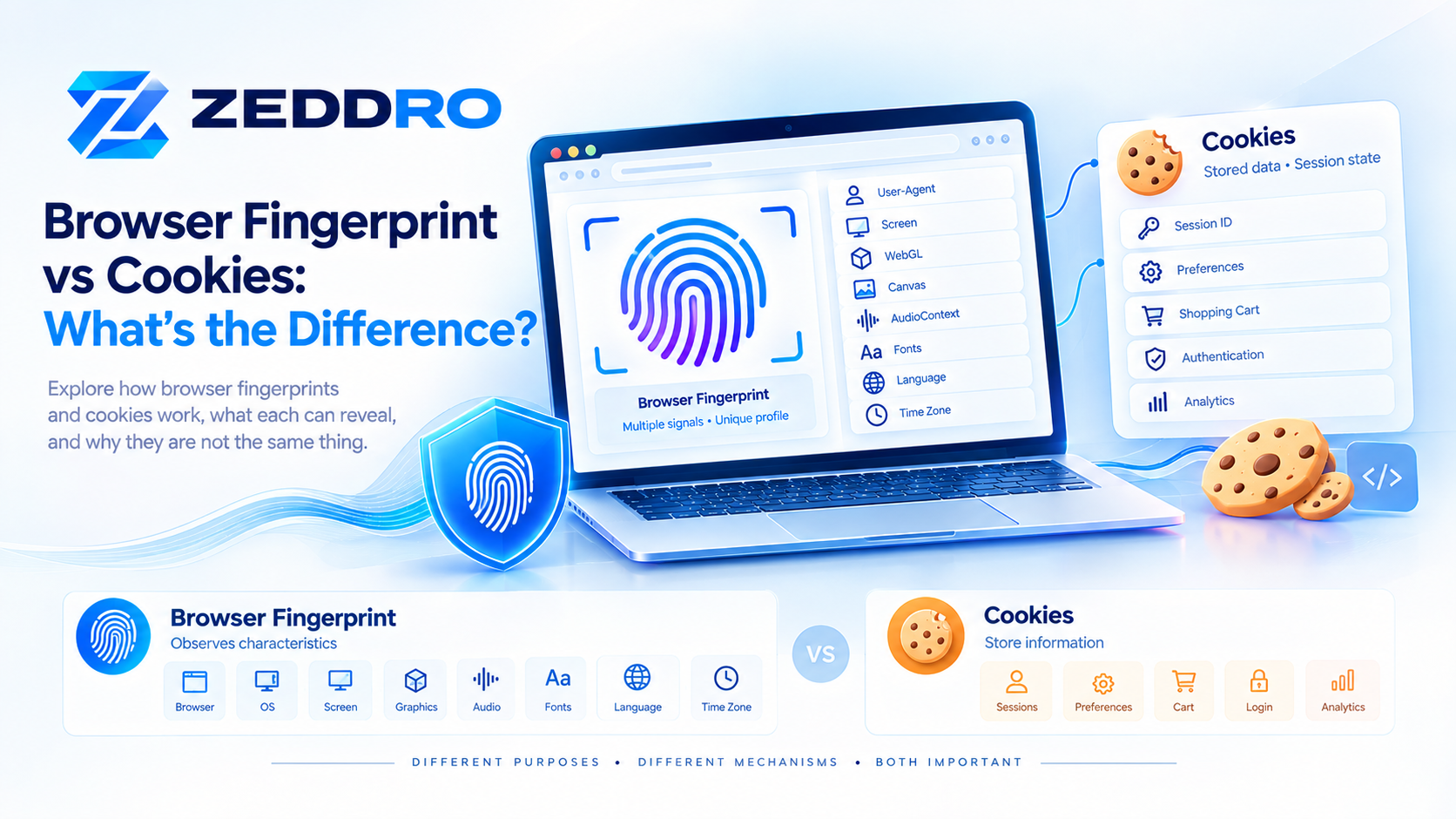
AudioContext Fingerprinting vs. Cookies
Cookies and fingerprinting are fundamentally different mechanisms.
Cookies
Cookies are pieces of stored data associated with a website.
They can be:
- created
- read
- modified
- deleted
- expired
- blocked
Fingerprinting
Fingerprinting attempts to recognize a browser using observable characteristics.
Therefore:
Cookie = stored identifier
Fingerprint = observed characteristics
A website can potentially use both.
This is why clearing cookies does not automatically eliminate all browser fingerprinting signals.
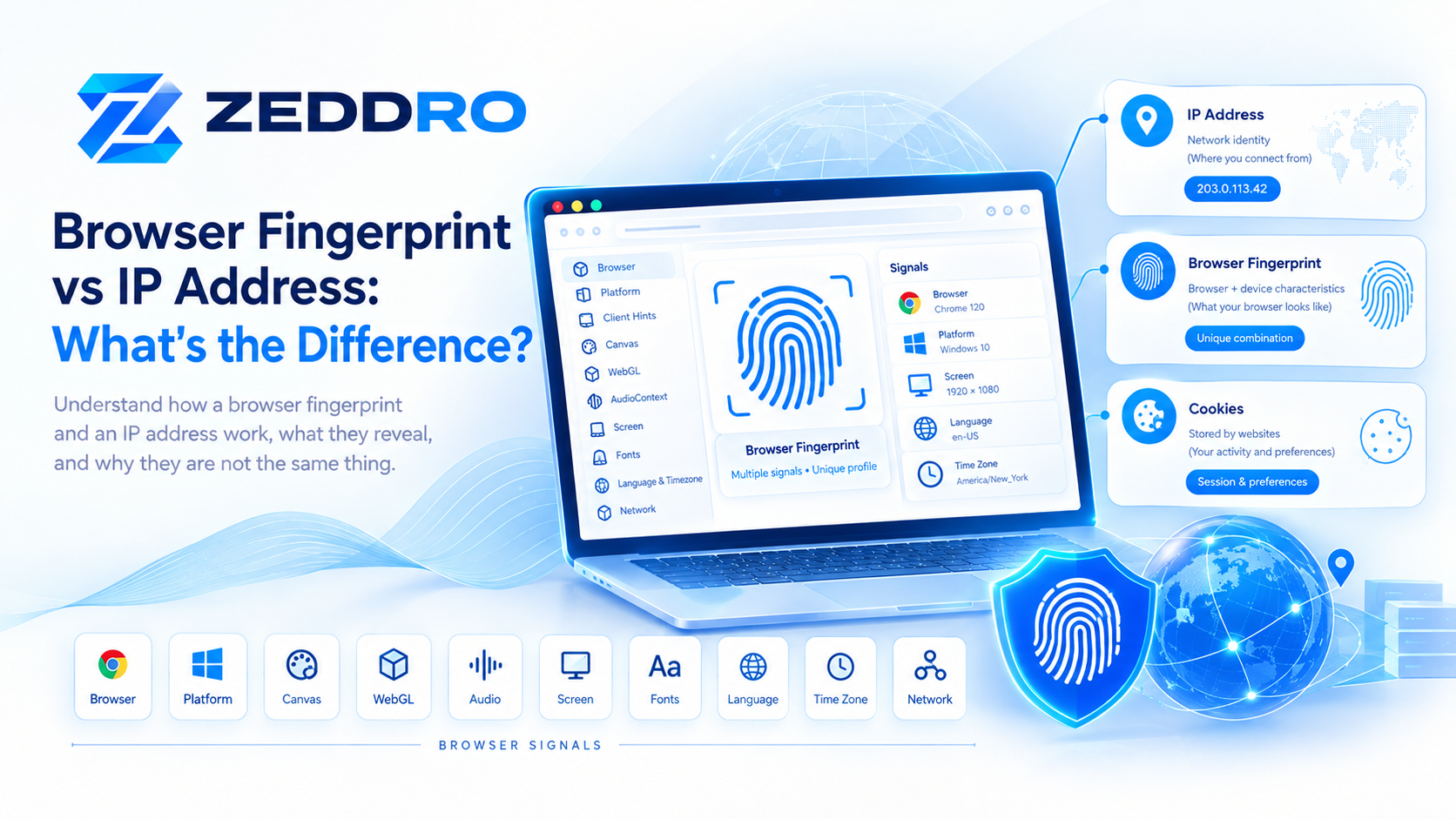
AudioContext Fingerprinting vs. IP Address
An IP address identifies a network endpoint, not a complete browser environment.
For example, several devices can share the same public IP through a router.
Conversely, the same browser environment can appear from different networks over time.
AudioContext belongs to an entirely different category:
IP → network-level signal
AudioContext → browser-processing signal
A modern identity system can potentially evaluate both.
A Simple Mental Model
The easiest way to understand AudioContext fingerprinting is to imagine a machine being asked to perform a standardized task.
Instead of asking:
"What is your exact hardware?"
the browser is effectively asked:
"Process this workload and show me the result."
The result can contain small characteristics related to the environment in which the workload was processed.
One result is rarely enough.
But when combined with:
- Canvas
- WebGL
- browser metadata
- screen information
- language
- timezone
- hardware signals
the combined fingerprint can become much more informative.
Key Takeaways
AudioContext fingerprinting can be summarized in eight points:
- AudioContext fingerprinting is a browser fingerprinting technique.
- It uses observable Web Audio processing behavior as a signal.
- It does not require recording the user's microphone.
- The Web Audio API itself is a legitimate browser technology.
- Audio is normally one component of a larger browser fingerprint.
- Audio-derived signals can vary across browsers, operating systems, configurations, and hardware environments.
- Modern browser privacy protections can reduce the precision of some audio-related signals.
- For browser-profile management, consistency across multiple signals is more important than blindly changing individual values.
Frequently Asked Questions
What is AudioContext fingerprinting?
AudioContext fingerprinting is a technique that uses observable characteristics of Web Audio processing as one signal in a broader browser fingerprint.
Does AudioContext fingerprinting record my microphone?
Not necessarily. AudioContext fingerprinting can be performed through browser audio-processing APIs without recording the user's microphone.
The Web Audio API can generate and process audio internally, including through offline audio-processing contexts.
Is AudioContext fingerprinting the same as Canvas fingerprinting?
No.
Canvas fingerprinting examines graphics rendering behavior, while AudioContext fingerprinting examines audio-processing behavior.
They can nevertheless be combined as parts of the same browser fingerprint.
Is an AudioContext fingerprint unique?
Not necessarily.
Its distinguishing power depends on the browser population, implementation, hardware, configuration, privacy protections, and the specific measurement technique.
It is more accurate to describe it as a potentially useful fingerprinting signal rather than a guaranteed unique identifier.
Can an AudioContext fingerprint change?
Yes.
Browser updates, operating-system changes, hardware changes, audio configuration, browser privacy protections, and implementation changes can affect observable audio behavior.
Can browsers prevent AudioContext fingerprinting?
Browsers can reduce the information available for fingerprinting.
For example, some timing information can have reduced precision under privacy-oriented settings.
However, preventing every possible fingerprinting signal is difficult because many web APIs are also necessary for normal web functionality.
Is AudioContext fingerprinting illegal?
The technology itself is not inherently illegal.
Its legal and privacy implications depend on how it is used, what data is collected, the purpose of processing, applicable laws, consent requirements, and the organization's privacy practices.
Why does AudioContext matter for browser profiles?
Audio processing can be one of several observable characteristics of a browser environment.
For browser-profile systems, managing related signals consistently can help create more coherent isolated environments.
Is AudioContext more important than Canvas or WebGL?
Not universally.
The importance of each signal depends on the browser, measurement system, and context.
Modern fingerprinting is generally better understood as the combination of multiple signals rather than a competition between individual fingerprinting techniques.
Final Takeaway
AudioContext fingerprinting demonstrates how much information can emerge from ordinary browser functionality.
The Web Audio API was designed to make sophisticated audio applications possible in the browser. But the same processing behavior can also become observable to websites and contribute to browser fingerprinting.
The important lesson is not that one audio signal can magically identify every device.
It is that modern browser identity can emerge from the combination of many small signals.
Canvas, WebGL, AudioContext, browser metadata, screen characteristics, hardware-related signals, Client Hints, storage, and network information can all form different parts of the same browser identity model.
As browser privacy protections continue to evolve in 2026, understanding these signals—and especially how they interact—is increasingly important for privacy engineering, fraud prevention, browser testing, security research, and isolated browser environments.