
Browser Fingerprint vs Cookies: What’s the Difference?
Browser fingerprints and cookies are two different ways websites can recognize or maintain context around a browser. Learn how they work and why the distinction matters.
9 articles
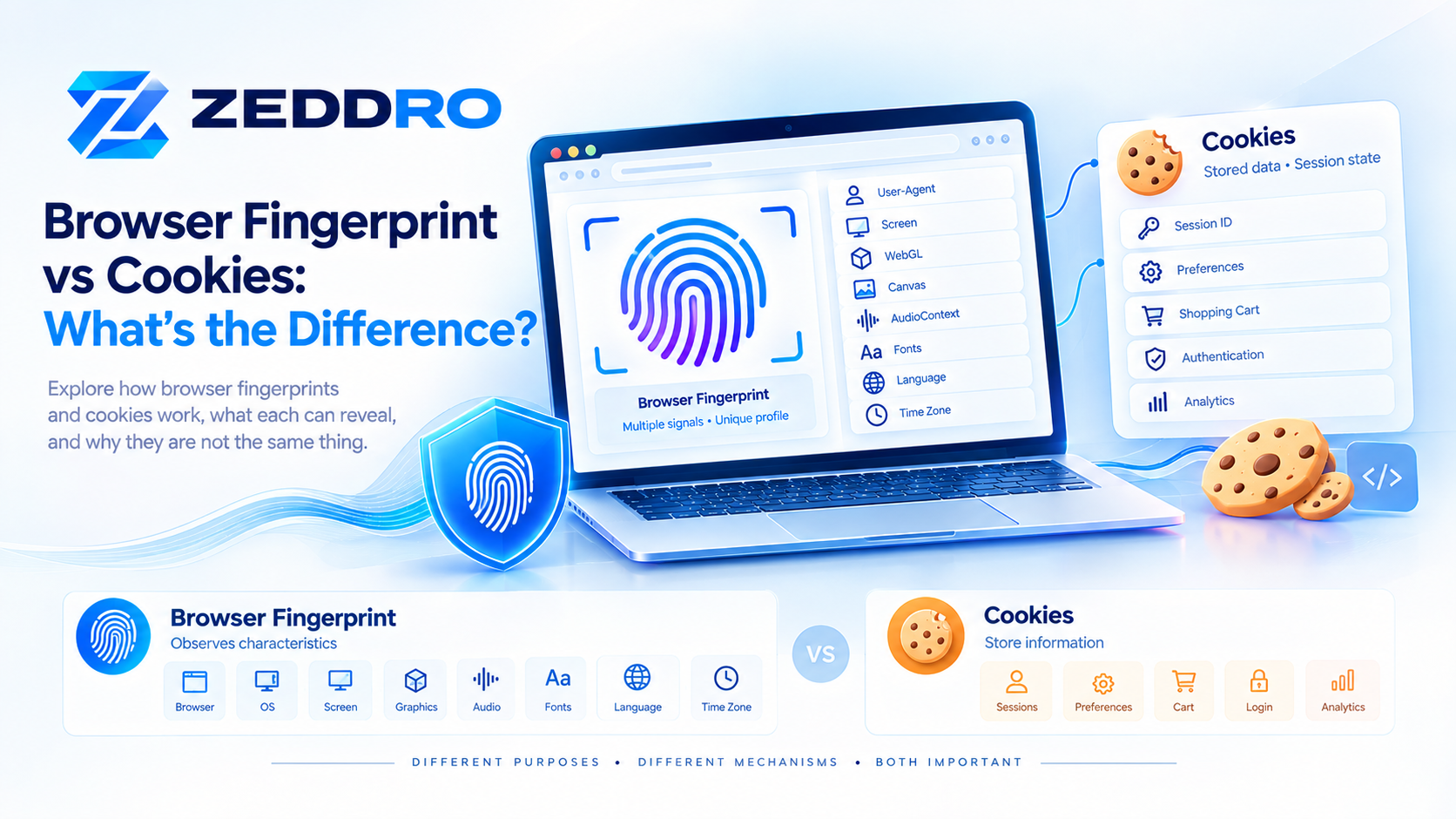
Browser fingerprints and cookies are two different ways websites can recognize or maintain context around a browser. Learn how they work and why the distinction matters.
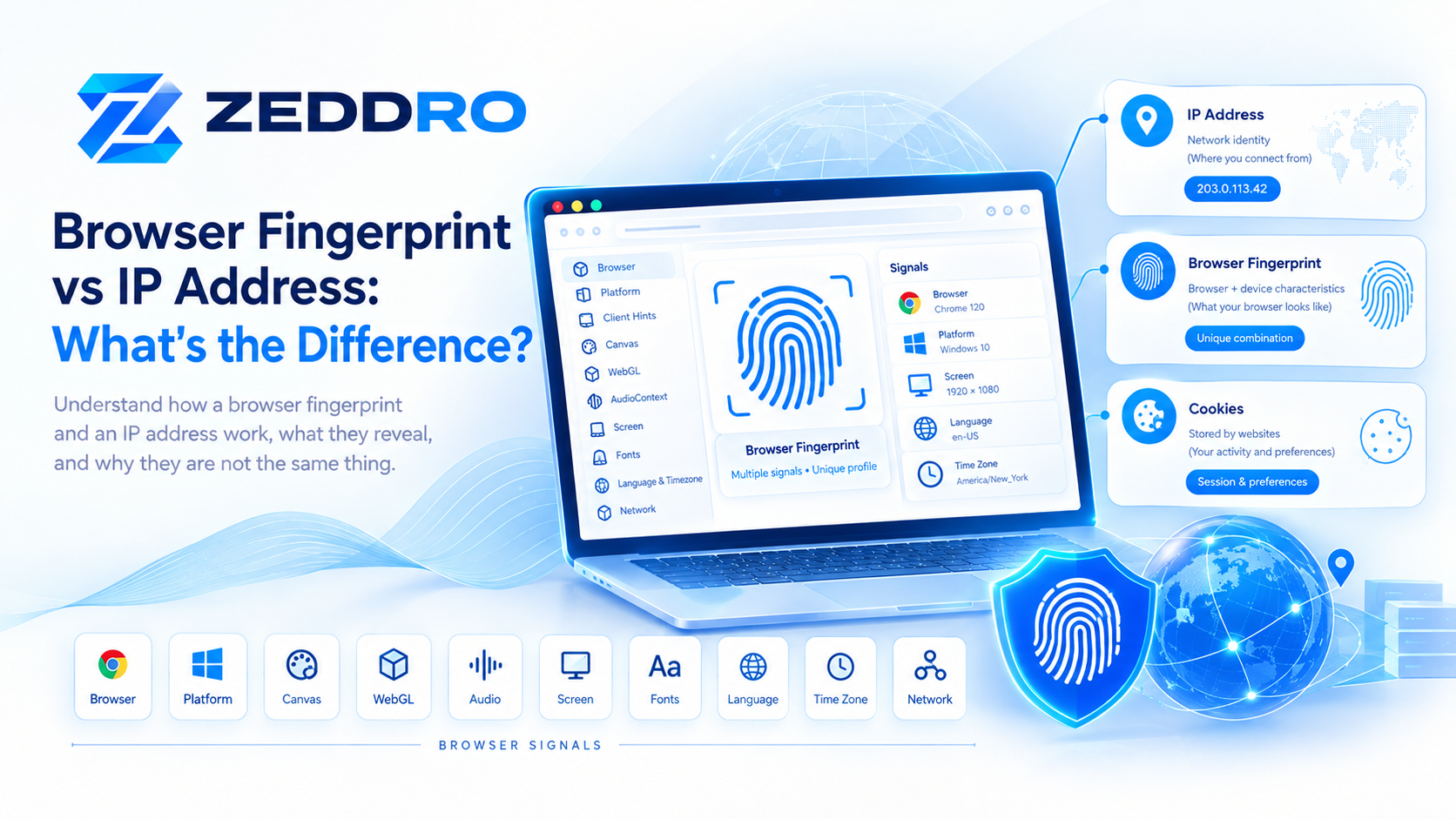
A browser fingerprint and an IP address provide different types of information about a web visitor. Learn how each works, what it reveals, and how they can be combined.
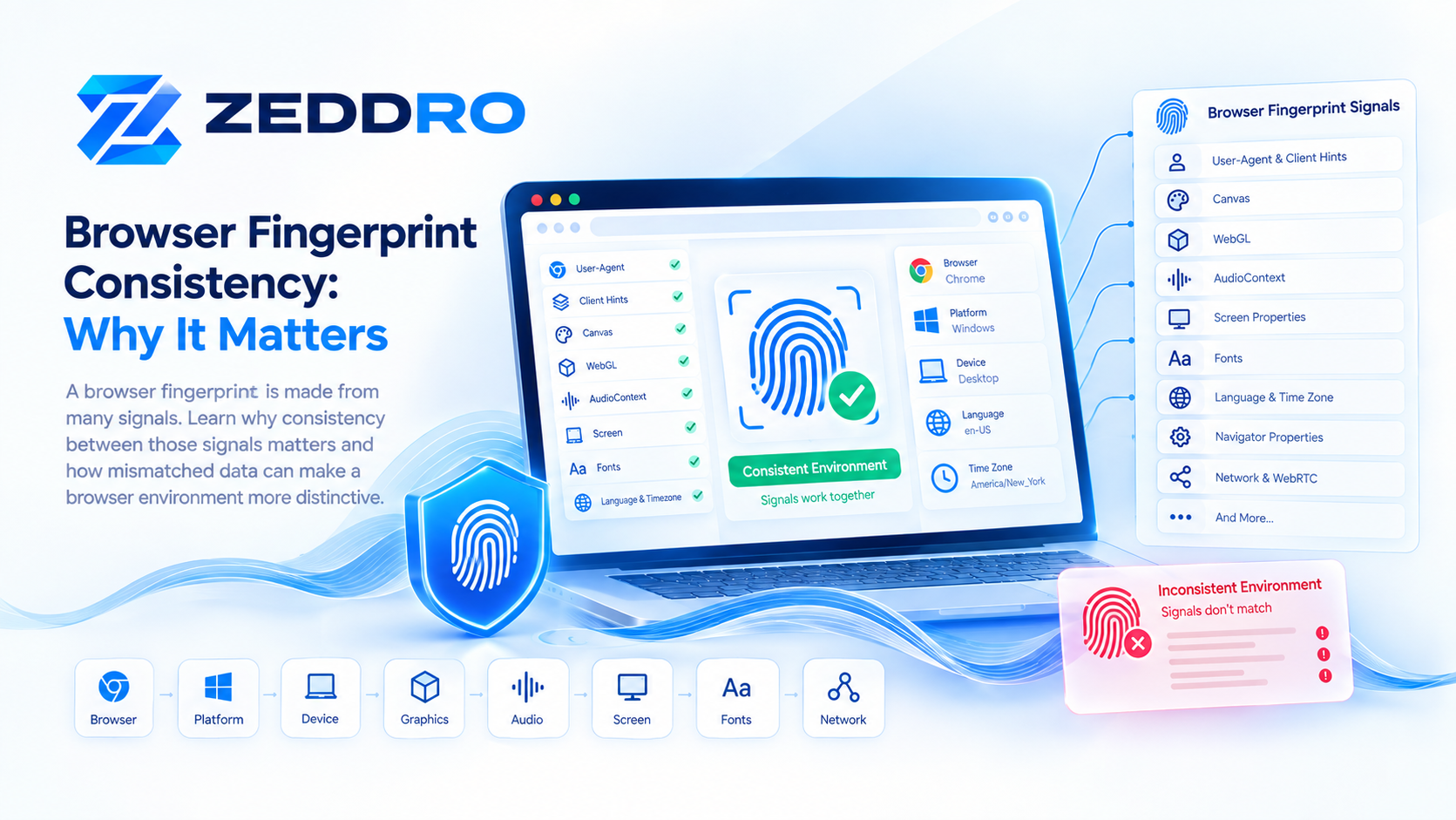
A browser fingerprint is made from many signals. Learn why consistency between those signals matters and how mismatches can make a browser environment more distinctive.

Client Hints give websites structured information about browsers, platforms, and devices. Learn how these signals work and why they matter for modern browser fingerprints.
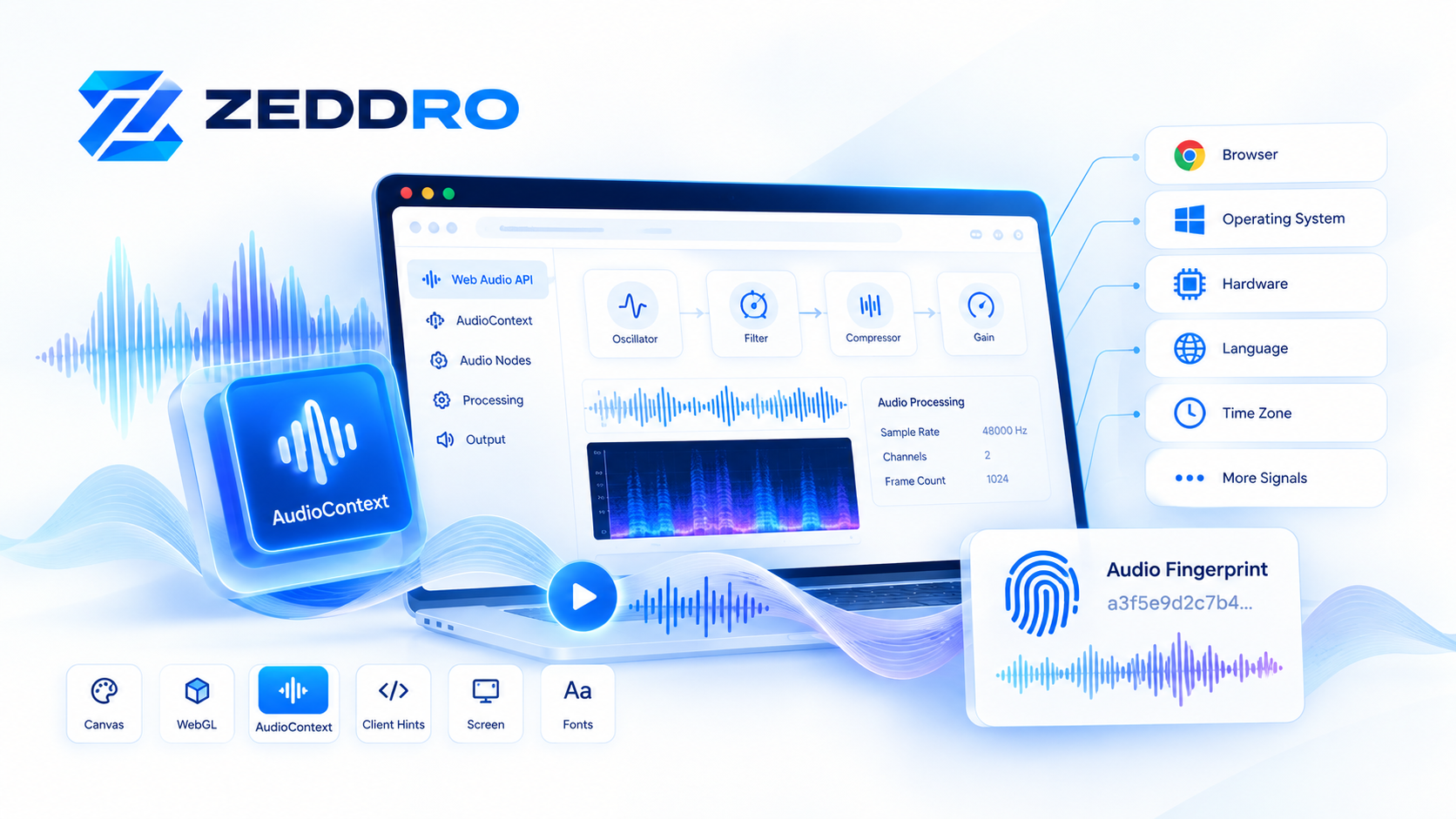
AudioContext fingerprinting uses browser audio processing behavior as one signal in a broader browser fingerprint. Learn how it works, what it can reveal, and why consistency matters in 2026.

Discover how WebGL fingerprinting works, what graphics signals browsers can expose, and why WebGL consistency matters in modern browser fingerprints.
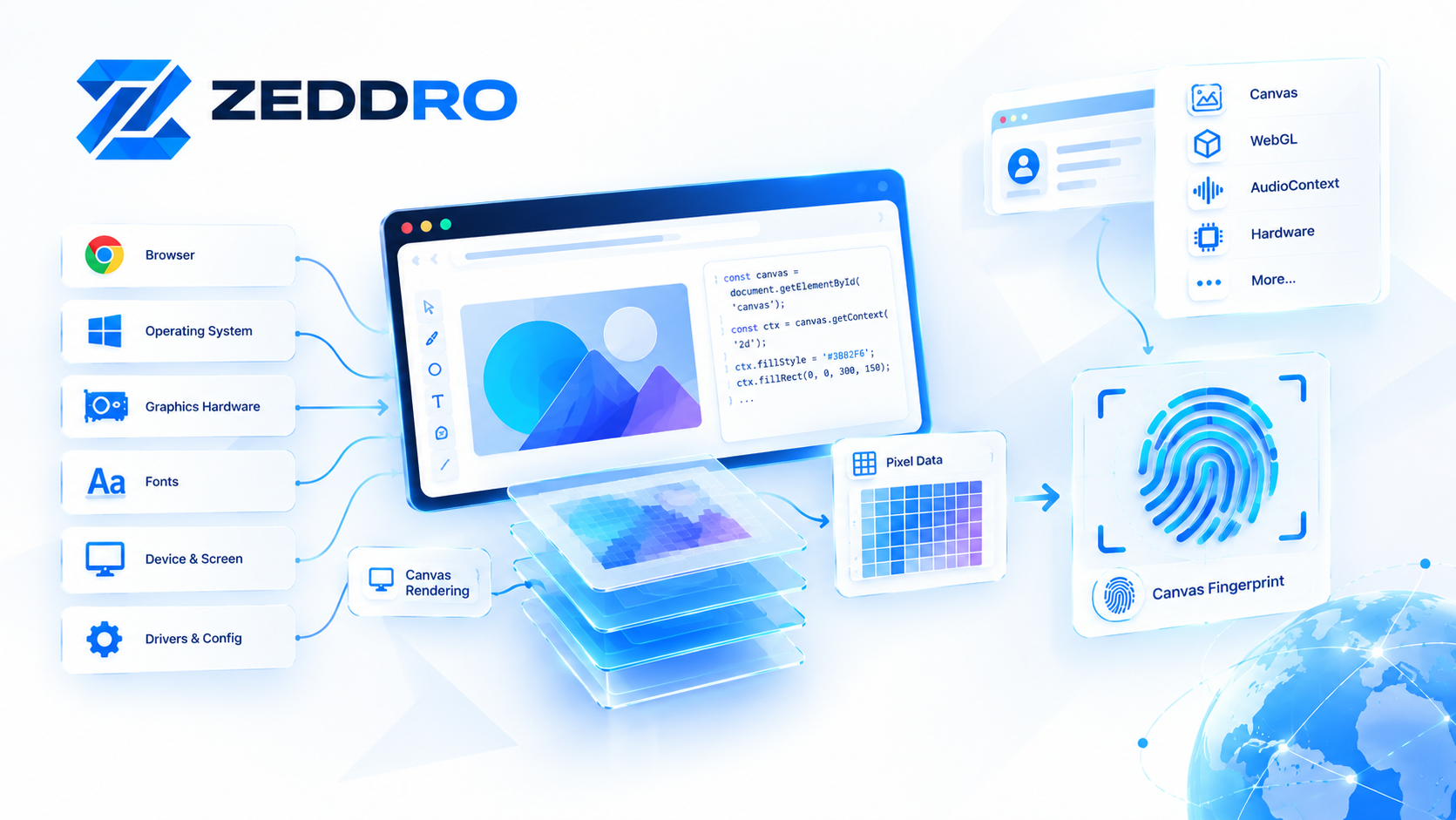
A browser can reveal surprisingly detailed information without storing a traditional tracking cookie. One of the techniques that makes this possible is canvas fingerprinting.

Learn what browser fingerprinting is, how websites build a browser fingerprint, which signals matter, and why fingerprint consistency matters for privacy and browser profiles.
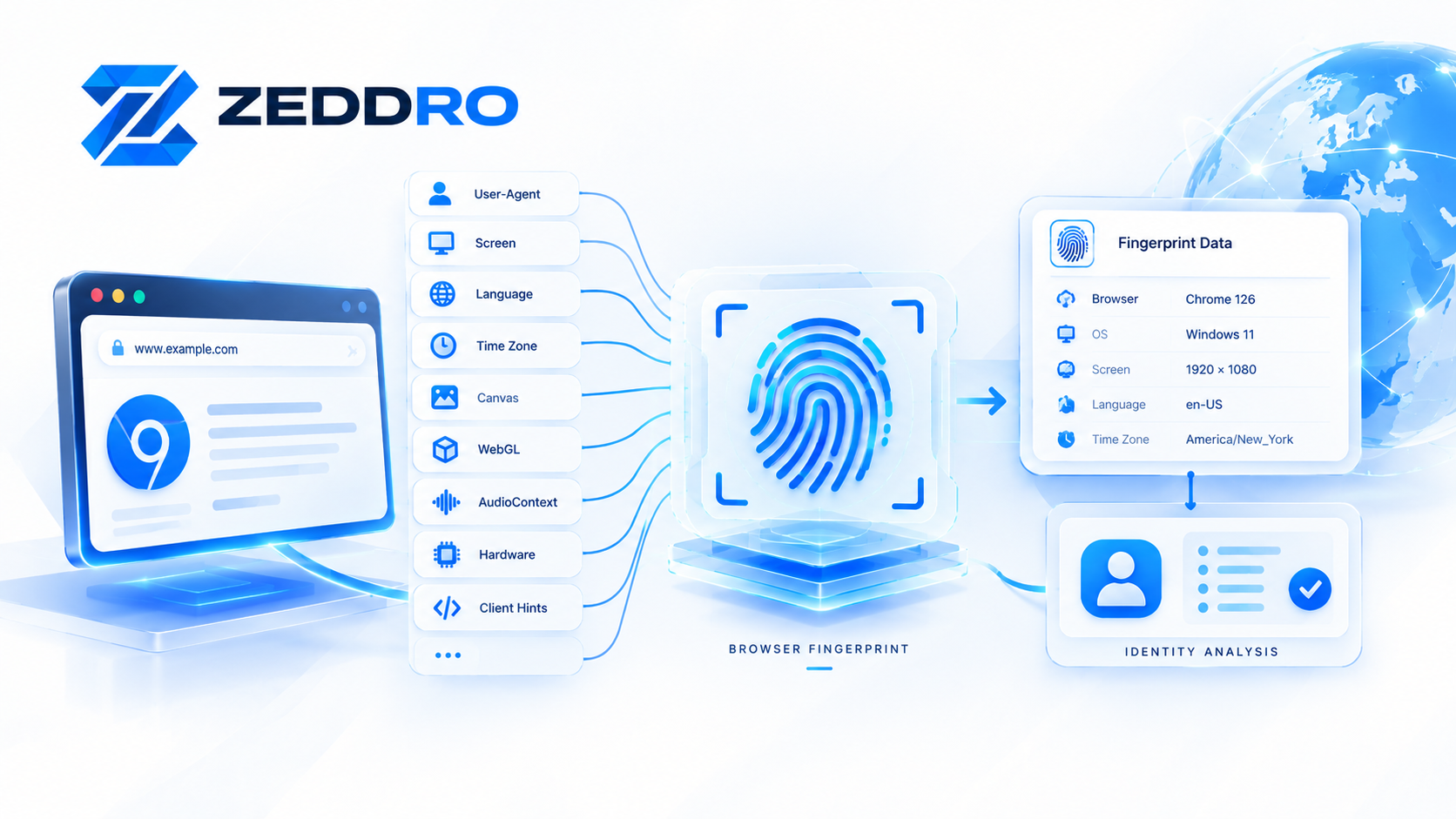
Discover how browser fingerprinting works, from Canvas and WebGL to Client Hints, and learn why fingerprint consistency matters for digital identity.