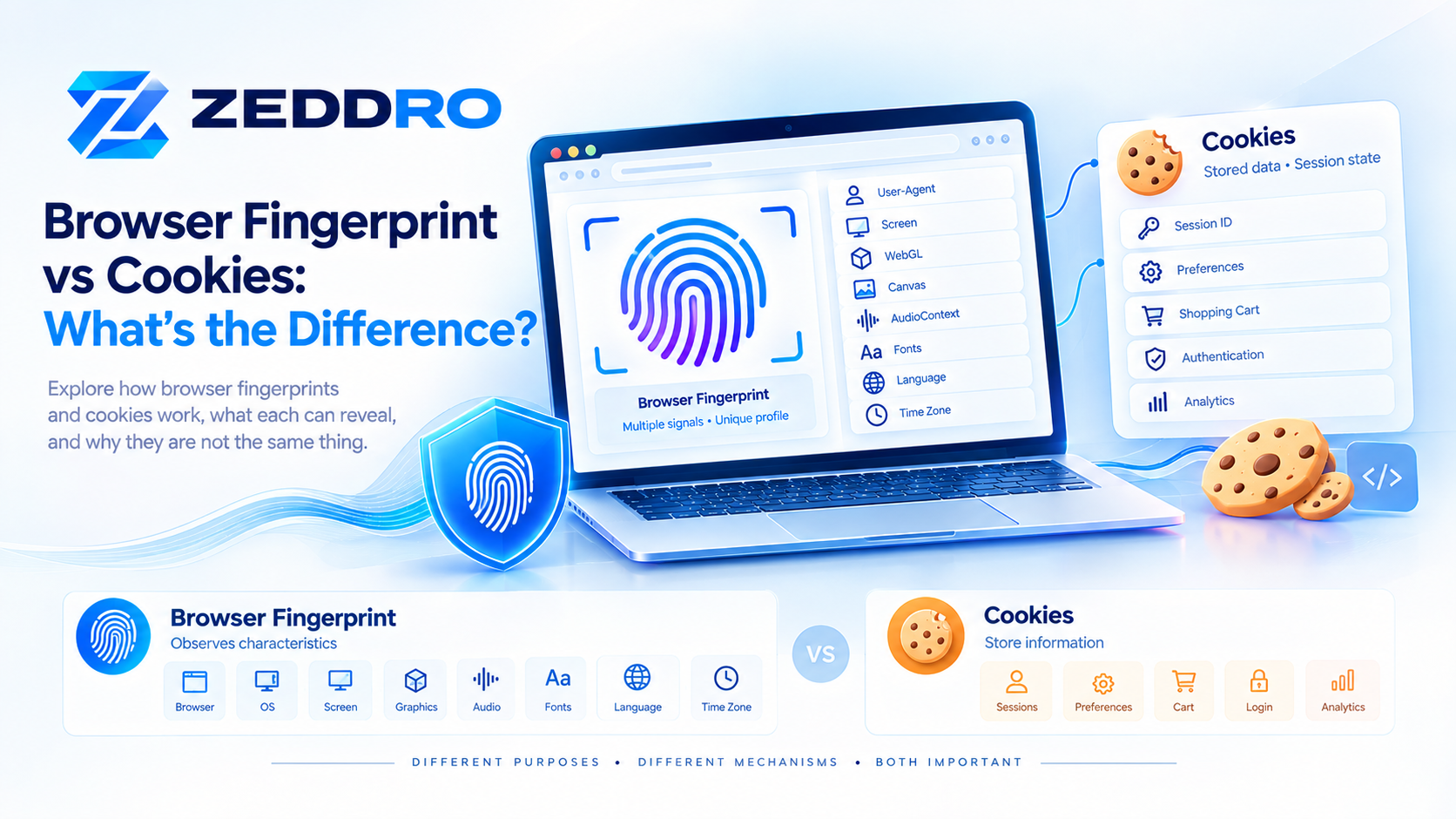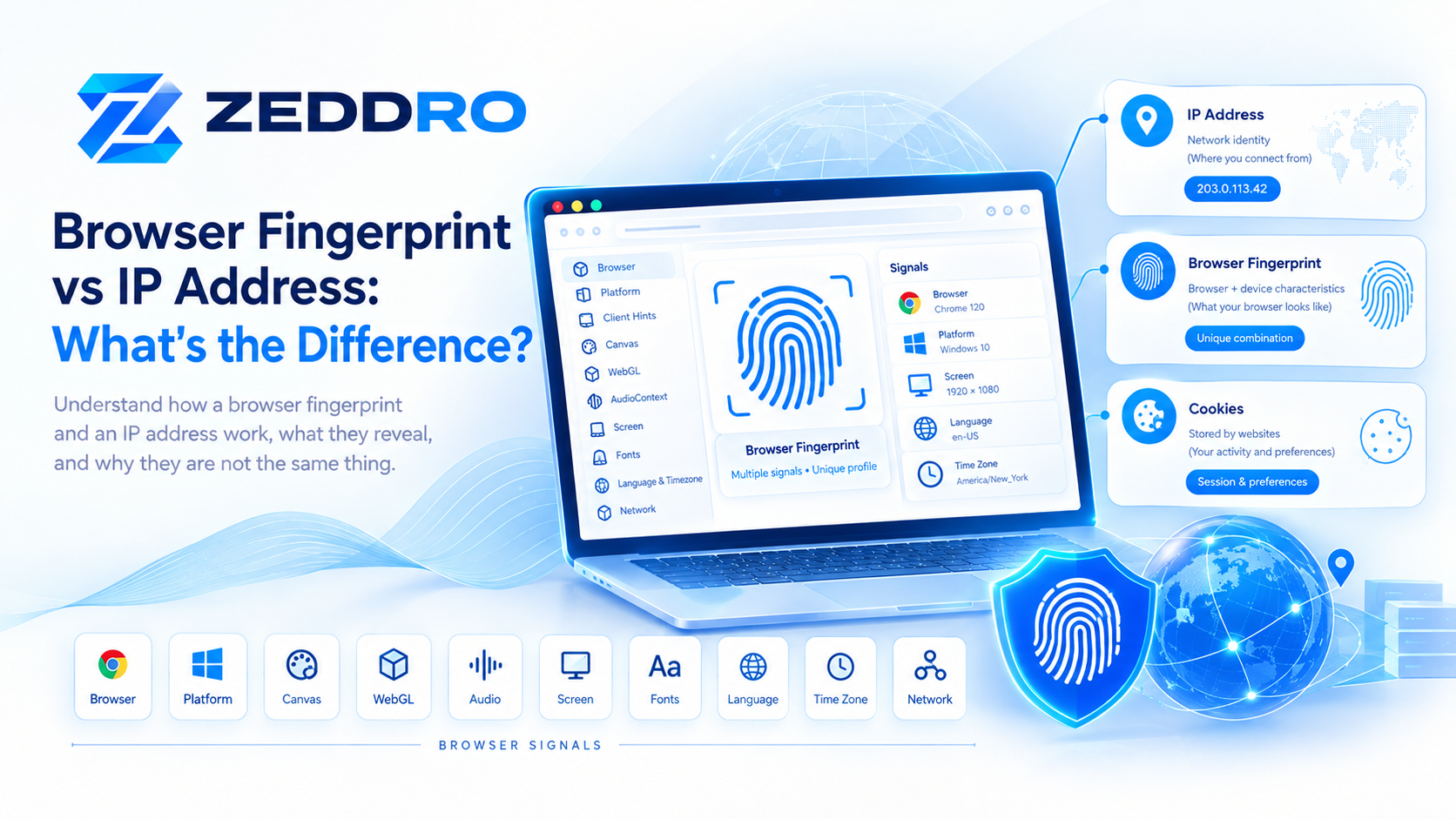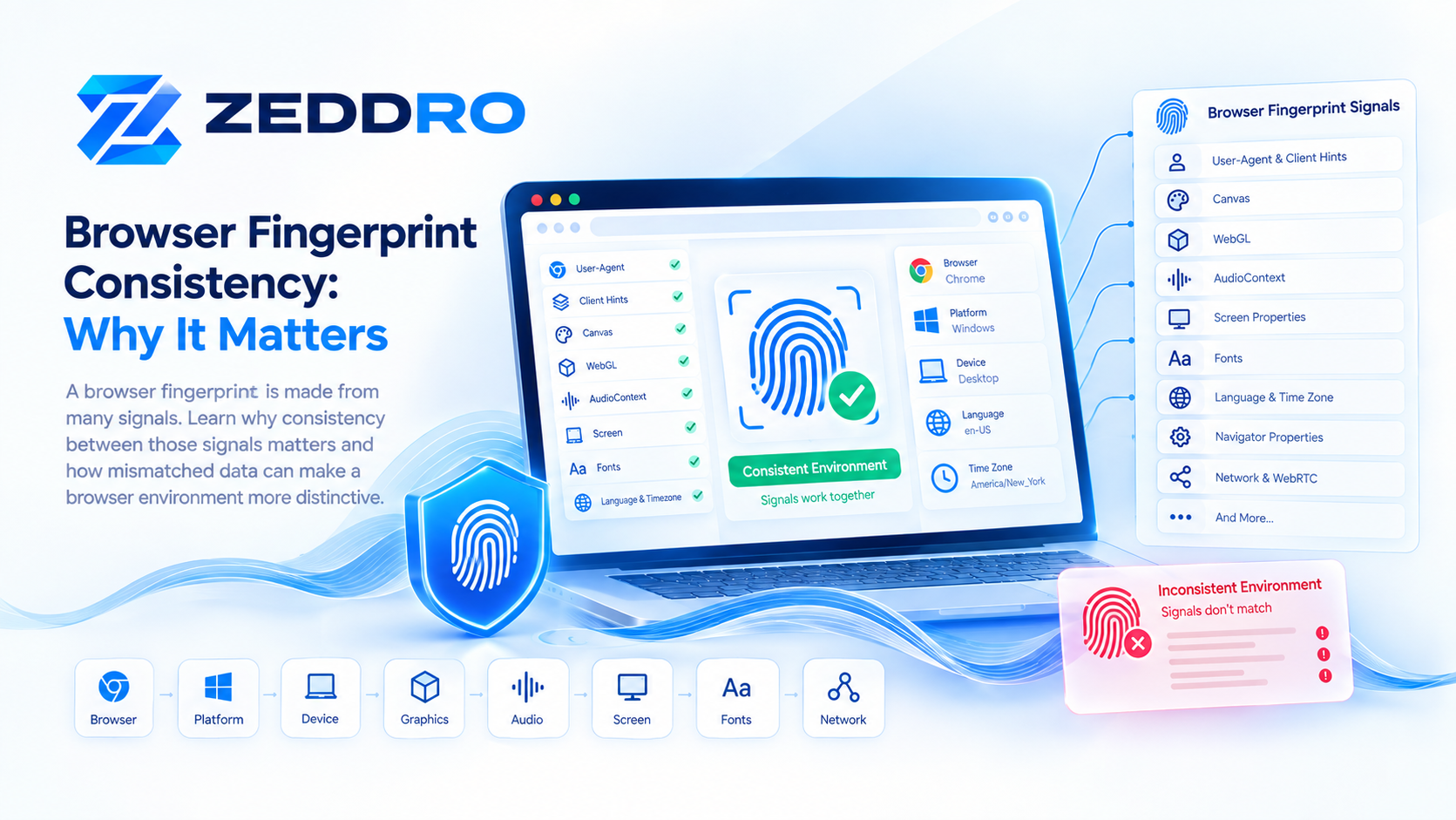
A browser fingerprint is not created from a single signal.
Websites can combine information from many browser and device interfaces, including Canvas, WebGL, AudioContext, screen properties, fonts, language settings, and browser characteristics.
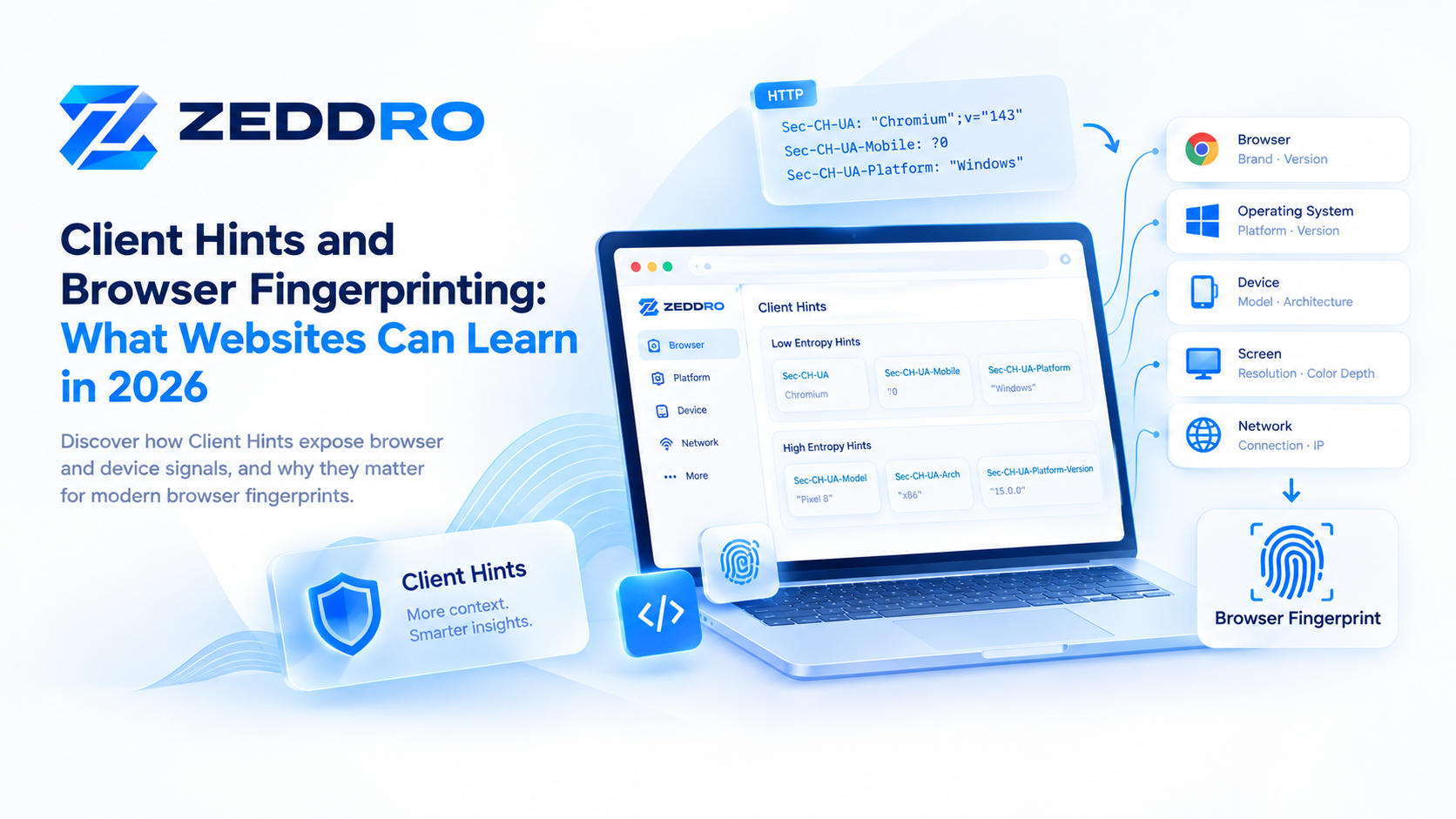
User-Agent Client Hints add another layer to this picture.
Client Hints provide websites with structured information about the browser, operating system, device, and related characteristics. Some hints are available by default, while others can provide more detailed information when explicitly requested.
Understanding Client Hints is therefore important when studying how modern browser fingerprints are constructed—and why fingerprint consistency matters across different browser signals.
What Are Client Hints?
Client Hints are browser-provided pieces of information that allow a server to learn specific characteristics about a client.
They are primarily delivered through HTTP request headers and, for User-Agent Client Hints, can also be accessed through JavaScript APIs.
For example, a browser may provide information such as:
- Browser brand
- Browser version
- Operating-system platform
- Whether the device is mobile
- Device model
- Platform version
- Architecture
- Bitness
- Form factor
The important concept is that Client Hints are designed to provide specific pieces of information instead of relying entirely on one large User-Agent string.
This makes Client Hints useful for legitimate purposes such as adapting content, analytics, compatibility checks, downloading the correct software build, and security-related browser or device recognition.
What Are User-Agent Client Hints?
User-Agent Client Hints (UA-CH) are a specific type of Client Hint focused on browser and platform information.
They were introduced partly in response to the privacy and compatibility problems associated with traditional User-Agent strings.
Historically, websites could inspect the User-Agent HTTP header or JavaScript's navigator.userAgent to obtain browser and operating-system information.
Modern browsers have increasingly reduced the amount of detailed information exposed through the traditional User-Agent string. When additional information is needed, User-Agent Client Hints provide a more structured mechanism for requesting it.
A simplified example looks like this:
User-Agent: Mozilla/5.0 (...) Chrome/143.0.0.0 Safari/537.36While Client Hints can expose structured fields such as:
Sec-CH-UA: "Chromium";v="143"
Sec-CH-UA-Mobile: ?0
Sec-CH-UA-Platform: "Windows"
The exact values and availability depend on the browser and environment.
Why Were Client Hints Introduced?
Traditional User-Agent strings became problematic for several reasons.
They historically contained a large amount of information, much of which websites did not actually need.
They were also difficult to parse reliably because browsers and vendors maintained complicated compatibility conventions.
More importantly, exposing detailed browser and device information can contribute to fingerprinting.
User-Agent reduction therefore aims to reduce unnecessary information in traditional UA strings, while Client Hints provide a more controlled mechanism for applications that genuinely need additional information.
This creates an important distinction:
The browser does not necessarily expose every possible detail automatically.
Instead, different categories of information have different levels of availability.
How Do Client Hints Work?
The process can be understood in several steps.
1. The browser makes a request
A browser requests a webpage from a server.
The request can contain the traditional User-Agent header along with available low-entropy Client Hints.
For example:
GET / HTTP/1.1
Host: example.com
Sec-CH-UA: "Chromium";v="143"
Sec-CH-UA-Mobile: ?0
Sec-CH-UA-Platform: "Windows"
2. The server can request additional information
If the website needs additional Client Hints, it can use the Accept-CH response header.
For example:
Accept-CH: Sec-CH-UA-ModelThe browser can then provide the requested information on subsequent requests when permitted.
3. The browser decides what it can provide
Client Hints are not simply an unrestricted information dump.
Different hints have different privacy characteristics and access rules.
This is particularly important for high-entropy hints, which can reveal more information and therefore receive additional controls.
Low-Entropy vs High-Entropy Client Hints
One of the most important concepts in User-Agent Client Hints is the distinction between low entropy and high entropy information.
Low-Entropy Hints
Low-entropy hints generally reveal relatively little information.
Examples include:
Sec-CH-UASec-CH-UA-MobileSec-CH-UA-Platform
These provide information such as the browser brand, whether the browser is running in a mobile context, and the platform.
For example:
Sec-CH-UA: "Chromium";v="143"
Sec-CH-UA-Mobile: ?0
Sec-CH-UA-Platform: "Windows"
These signals alone generally do not uniquely identify a particular device.
But that does not mean they are irrelevant.
They can become useful when combined with many other browser characteristics.
What Are High-Entropy Client Hints?
High-entropy hints can potentially reveal more detailed information.
Examples can include:
- Architecture
- Platform version
- Device model
- Full browser version information
- Bitness
- Form factor
The JavaScript API provides access to additional values through:
navigator.userAgentData.getHighEntropyValues([
  "architecture",
  "model",
  "platform",
  "platformVersion",
  "fullVersionList"
]);
The browser can apply additional controls when these values are requested.
The term entropy here is important.
It does not mean that a value is automatically unique.
Instead, it refers to how much distinguishing information a signal can potentially provide.
The navigator.userAgentData API
Client Hints are not limited to HTTP headers.
Supporting browsers can expose User-Agent Client Hints through JavaScript using:
navigator.userAgentDataThis returns a NavigatorUAData object.
For example:
console.log(navigator.userAgentData.brands);
console.log(navigator.userAgentData.mobile);
console.log(navigator.userAgentData.platform);
The API exposes low-entropy properties such as:
brandsmobileplatform
Additional information can be requested using:
getHighEntropyValues()MDN notes that NavigatorUAData and related APIs have limited browser availability, so implementations should always account for compatibility differences.
What Information Can Client Hints Reveal?
Depending on browser support and permissions, Client Hints can provide information about several parts of the environment.
Browser
Possible information includes:
- Browser brands
- Major version
- Full version information
Operating System
Possible signals include:
- Platform
- Platform version
For example:
Windows
macOS
Linux
Android
Device
On supported environments, additional information can include:
- Device model
- Architecture
- Bitness
- Form factor
For example, the Sec-CH-UA-Model header can identify a device model when that information is provided.
Are Client Hints a Fingerprint by Themselves?
Usually, no.
This distinction is important.
Client Hints are primarily a mechanism for communicating browser and device information.
They are not inherently a tracking technology.
The fingerprinting implications come from how those signals can be combined with other observable characteristics.
For example, a website could potentially observe:
Browser
+ Platform
+ Screen
+ Canvas
+ WebGL
+ AudioContext
+ Fonts
+ Language
+ Time Zone
+ Hardware characteristics
The combined result can become considerably more informative than any single signal.
This is the same principle discussed in our previous articles on Canvas, WebGL, and AudioContext fingerprinting.
Client Hints vs Traditional User-Agent Strings
The two approaches serve related purposes but work differently.
| Traditional User-Agent | Client Hints |
|---|---|
| Large historical string | Structured signals |
| Usually sent automatically | Some information is requested |
| Contains legacy information | Designed around specific information |
| Difficult to parse reliably | Easier to process |
| Increasingly reduced | Can provide additional information |
| Privacy concerns | Designed with more granular controls |
Modern browsers are reducing the amount of detailed information contained in the traditional UA string while providing Client Hints for cases where additional information is required.
Client Hints vs Canvas Fingerprinting
These technologies expose very different types of information.
Client Hints primarily describe browser, platform, and device characteristics.
Canvas fingerprinting observes differences in graphics rendering behavior.
A simplified model is:
Client Hints
      ↓
Browser / Platform / Device information

Canvas
      ↓
Rendering behavior
      ↓
Canvas fingerprint
A modern fingerprinting system may consider both.
This is why changing or controlling one category of information does not necessarily determine the entire browser fingerprint.
Client Hints vs WebGL Fingerprinting
WebGL provides another category of signals.
A website may observe graphics-related information such as browser-supported WebGL capabilities and, where permitted, vendor/renderer information.
Client Hints, meanwhile, focus on browser and platform/device information.
Conceptually:
Client Hints
Browser
Platform
Device
        │
        ├──────────────┐
        ↓              ↓
      WebGL          Canvas
 Graphics           Rendering
 Signals             Signals
        │              │
        └──────┬───────┘
               ↓
        Combined fingerprint
The important point is that these signals are complementary rather than interchangeable.
Why Client Hints Matter for Browser Fingerprint Consistency
This is where Client Hints become especially relevant to browser profiles.
Imagine a browser environment reporting:
Platform: Windows
Browser: Chromium
Mobile: false
while another browser interface reports characteristics that strongly resemble a different operating environment.
That combination can become internally inconsistent.
A browser fingerprint is therefore not simply a list of independent values.
It is a relationship between values.
For example:
Platform
   ↓
Browser
   ↓
Version
   ↓
Architecture
   ↓
Screen
   ↓
Graphics
   ↓
Fonts
   ↓
Audio
The more these signals agree with one another, the more coherent the overall environment becomes.
This concept of consistency will become even more important as we examine how websites analyze browser fingerprints.
Can Client Hints Change?
Yes.
Client Hints are not necessarily permanent identifiers.
Their values can depend on:
- Browser version
- Operating system
- Device
- Browser implementation
- Permissions
- Requested hints
- Privacy controls
- Browser configuration
A browser update can therefore change some signals without the underlying user intentionally changing anything.
This is one reason browser fingerprints should be understood as environmental observations, rather than immutable device IDs.
Can Websites Request High-Entropy Information?
Yes, within the mechanisms provided by the browser.
A website can request additional information through HTTP mechanisms such as Accept-CH, or through the JavaScript User-Agent Client Hints API.
For example:
Accept-CH: Sec-CH-UA-ModelJavaScript can also request additional information:
navigator.userAgentData.getHighEntropyValues([
  "architecture",
  "model",
  "platformVersion"
]);
However, the browser remains part of the decision-making process, and additional controls can apply. Permissions Policy can also restrict access to high-entropy information.
Client Hints and Privacy
Client Hints were designed partly to address privacy concerns associated with excessive User-Agent information.
Instead of exposing every possible detail in one automatically transmitted string, the model allows websites to request particular information.
This creates a more granular approach.
However, granular does not mean anonymous.
If many signals are combined, the resulting environment can still provide useful information for recognition, analytics, security, compatibility, or fingerprinting.
The broader lesson is that privacy cannot be evaluated by looking at a single browser API.
It requires considering the entire collection of observable signals.
How Modern Browsers Reduce Fingerprinting Risk
Modern browser privacy mechanisms can reduce or restrict the amount of information available to websites.
Examples include:
- User-Agent reduction
- Limiting high-entropy information
- Permission policies
- Restricting certain APIs
- Reducing precision of some measurements
- Standardizing exposed values
The goal is not necessarily to eliminate all browser information.
Websites still need information to function correctly.
Instead, browsers attempt to balance functionality, compatibility, security, and privacy.
Can Client Hints Be Spoofed?
From a technical perspective, browser environments can expose different values than the underlying operating environment.
However, simply changing one value is not enough to create a coherent browser profile.
For example, changing a platform value while leaving other environment characteristics untouched can create contradictions.
A more useful way to think about browser profile management is therefore:
Consistency > isolated modification
A profile should be considered as an environment containing interconnected signals rather than a collection of unrelated switches.
Client Hints in Anti-Detect Browsers
Anti-detect browsers generally attempt to provide isolated browser environments with controlled characteristics.
Client Hints are relevant because modern browser identity is not limited to:
User-AgentA more complete browser environment can involve:
User-Agent
Client Hints
Canvas
WebGL
AudioContext
Screen
Fonts
Navigator APIs
WebRTC
Timezone
Language
Hardware characteristics
Cookies
Storage
Network information
The exact implementation differs between products.
For legitimate applications such as testing, account separation, advertising operations, research, and controlled browser environments, the objective is generally to maintain predictable and internally coherent profiles.
How Zeddro Approaches Client Hints
Zeddro treats browser identity as a collection of interconnected signals rather than a single User-Agent value.
This is important because modern Chromium-based environments can expose information through both traditional browser APIs and User-Agent Client Hints.
A browser profile should therefore maintain alignment between relevant characteristics such as:
- Browser environment
- Operating-system platform
- Client Hints
- Navigator properties
- Screen configuration
- Graphics environment
- Audio characteristics
- WebRTC behavior
- Time zone and language
- Cookies and session state
The objective is not simply to change one visible value.
It is to provide a consistent isolated browser environment for each profile.
Why Client Hints Are Important in 2026
Client Hints are increasingly important because the traditional User-Agent model is changing.
Browsers are reducing unnecessary information in legacy UA strings while providing structured mechanisms for applications that genuinely need additional browser or device information.
For anyone studying browser fingerprinting, this means that understanding only:
navigator.userAgentis no longer enough.
A modern analysis should also consider:
navigator.userAgentDataand relevant Sec-CH-UA-* request headers.
Together with Canvas, WebGL, AudioContext, screen characteristics, fonts, and other signals, they form a much more complete picture of the browser environment.
A Simple Mental Model
The easiest way to understand Client Hints is to think of them as another layer in the browser identity stack.
                 Browser Environment
                         │
        ┌────────────────┼────────────────┐
        │                │                │
   User-Agent       Client Hints      Navigator
        │                │                │
        └────────────────┼────────────────┘
                         │
              Browser / Platform Signals
                         │
        ┌────────────────┼────────────────┐
        │                │                │
      Canvas           WebGL        AudioContext
        │                │                │
        └────────────────┼────────────────┘
                         │
                  Combined Signals
                         │
                         ↓
              Browser Fingerprint
No individual component necessarily identifies a user.
The value comes from the combination and relationships between signals.
Key Takeaways
- Client Hints provide structured information about browsers, platforms, devices, and related characteristics.
- User-Agent Client Hints are specifically focused on browser and platform information.
Sec-CH-UA,Sec-CH-UA-Mobile, andSec-CH-UA-Platformare examples of low-entropy hints.- High-entropy hints can provide more detailed information such as architecture, platform version, or device model.
navigator.userAgentDataprovides JavaScript access to User-Agent Client Hints in supported browsers.- Client Hints are not inherently a tracking technology.
- Their fingerprinting relevance comes from how they can be combined with other browser signals.
- Modern browsers increasingly reduce information exposed through traditional User-Agent strings.
- Browser fingerprint consistency is more important than changing an isolated signal.
- Understanding Client Hints is essential for analyzing modern browser fingerprints in 2026.
Frequently Asked Questions
What are Client Hints?
Client Hints are browser-provided pieces of information that allow websites to learn selected characteristics about a browser, device, network, or user-agent environment.
What are User-Agent Client Hints?
User-Agent Client Hints are a specific category of Client Hints that provide information about the browser, operating system, and device.
What is navigator.userAgentData?
navigator.userAgentData is a JavaScript property that provides access to the User-Agent Client Hints API in supported browsers.
Are Client Hints part of browser fingerprinting?
They can be. Client Hints themselves are not inherently fingerprinting technology, but their information can contribute to a broader browser fingerprint when combined with other signals.
What is the difference between low- and high-entropy Client Hints?
Low-entropy hints provide relatively limited information, while high-entropy hints can reveal more detailed characteristics and therefore receive additional controls.
Can Client Hints identify a device?
Some Client Hints can provide device-related information, such as a device model, when the browser makes that information available. However, a Client Hint should not automatically be treated as a unique device identifier.
Are Client Hints available in every browser?
No. Support and behavior vary between browsers and versions, so websites should account for compatibility differences.
Final Takeaway
Client Hints represent an important evolution in how browsers communicate information about their environment.
As traditional User-Agent strings become more limited, structured signals such as Sec-CH-UA, Sec-CH-UA-Platform, and navigator.userAgentData become increasingly relevant to developers, privacy researchers, security teams, and anyone studying browser fingerprints.
The most important lesson is not that one signal defines a browser identity.
It is that modern browser identity emerges from many interconnected signals.
Understanding those relationships is the foundation for understanding browser fingerprint consistency—and that is the natural next topic in this series.