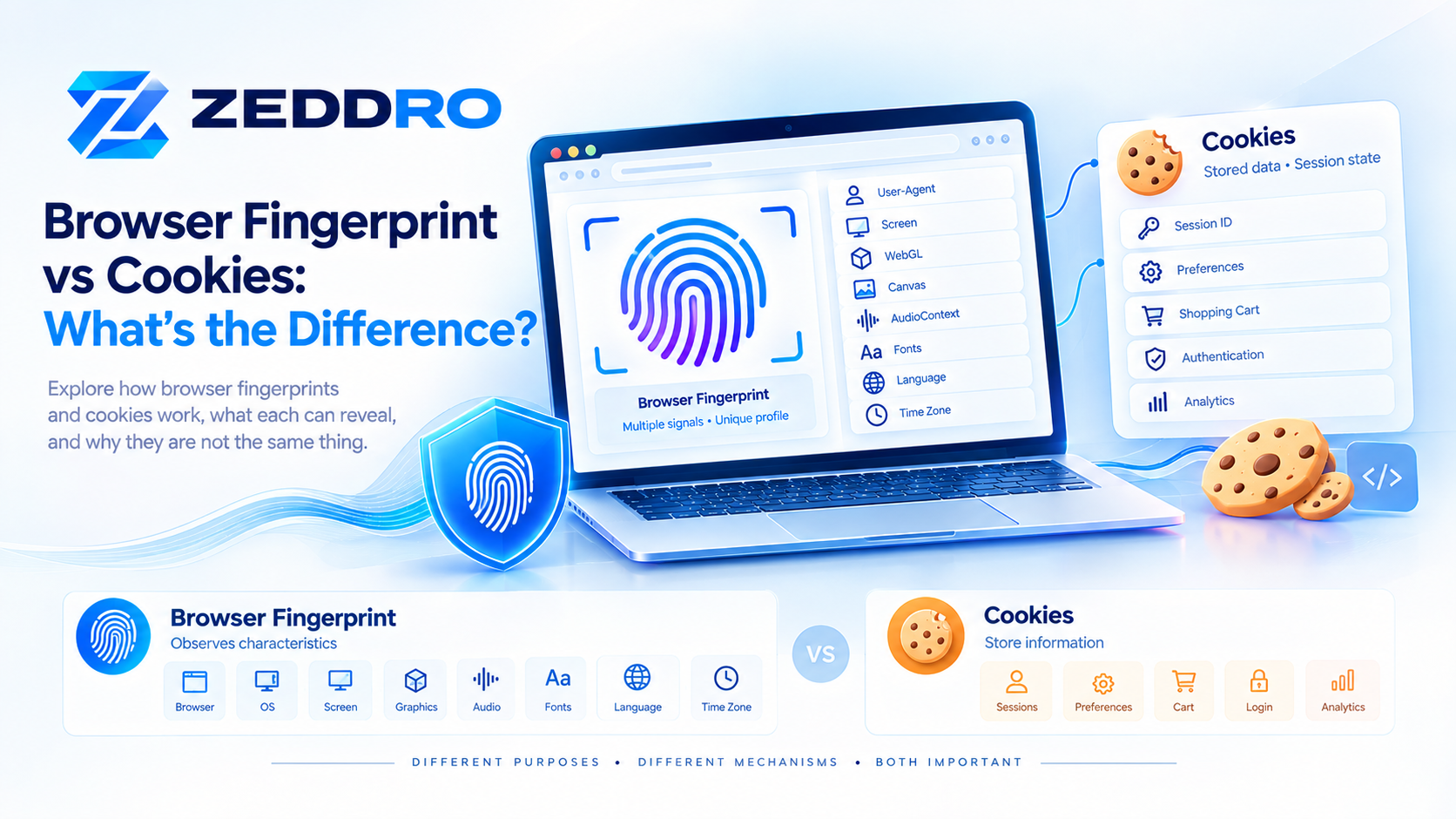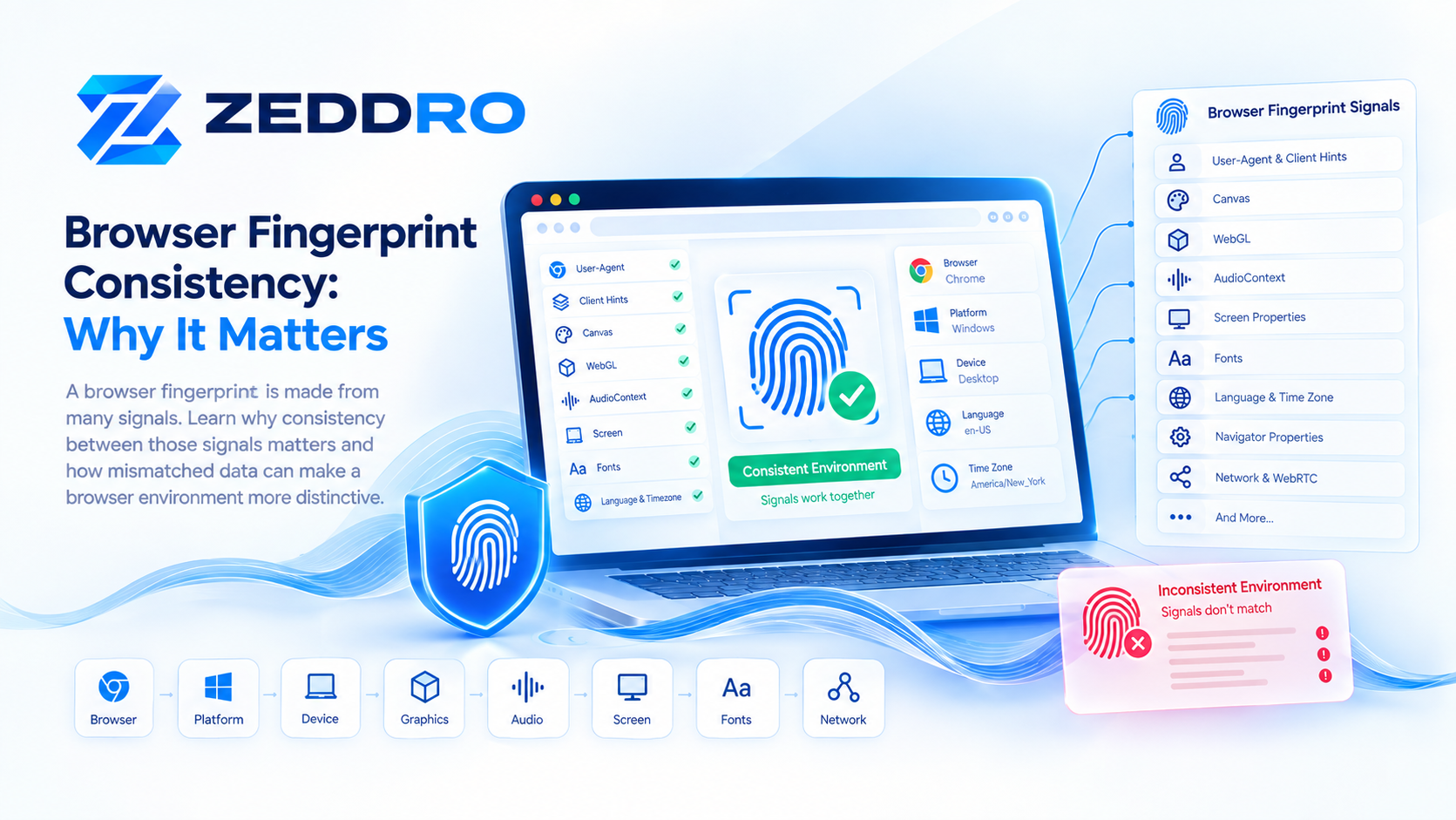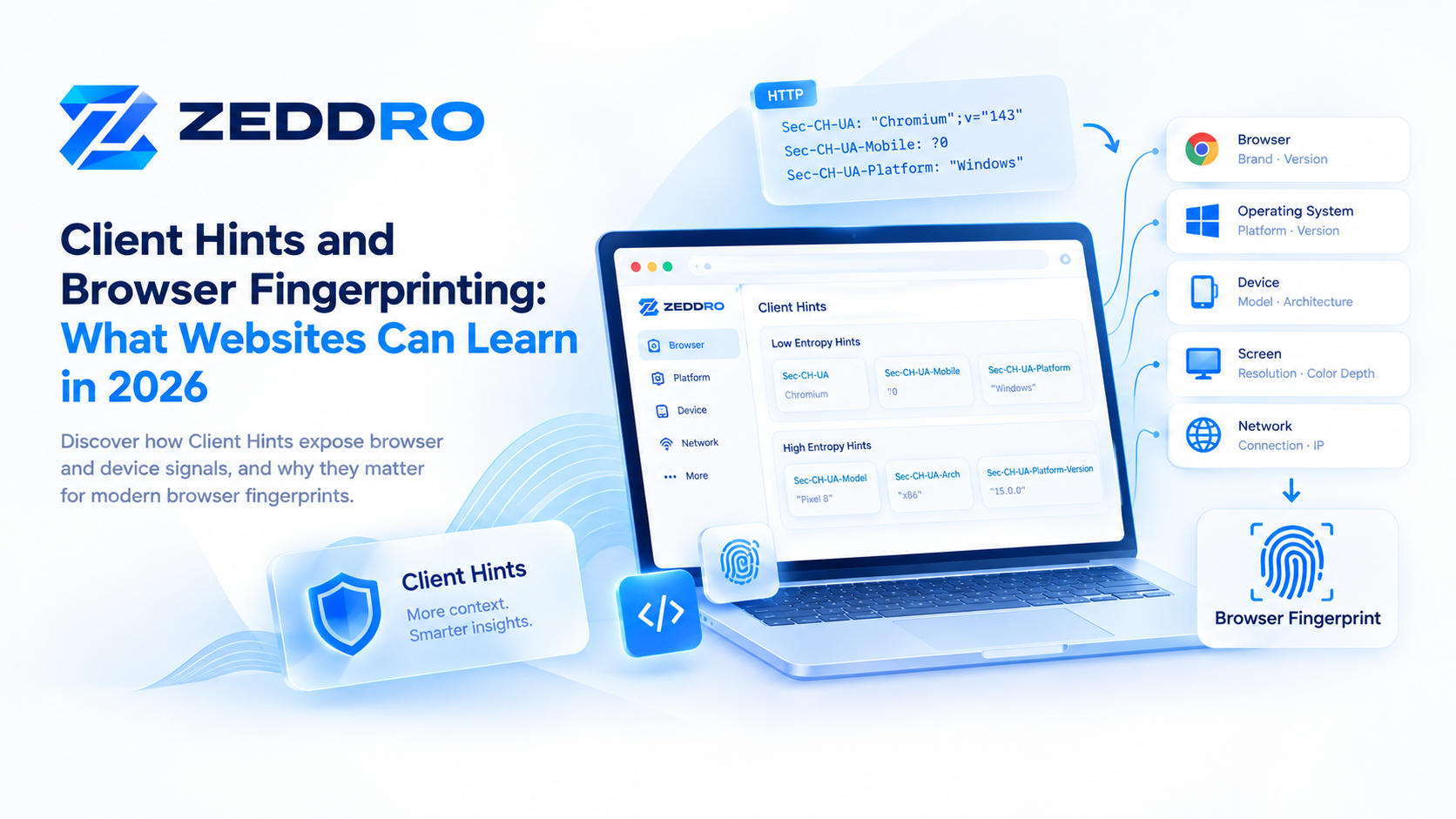
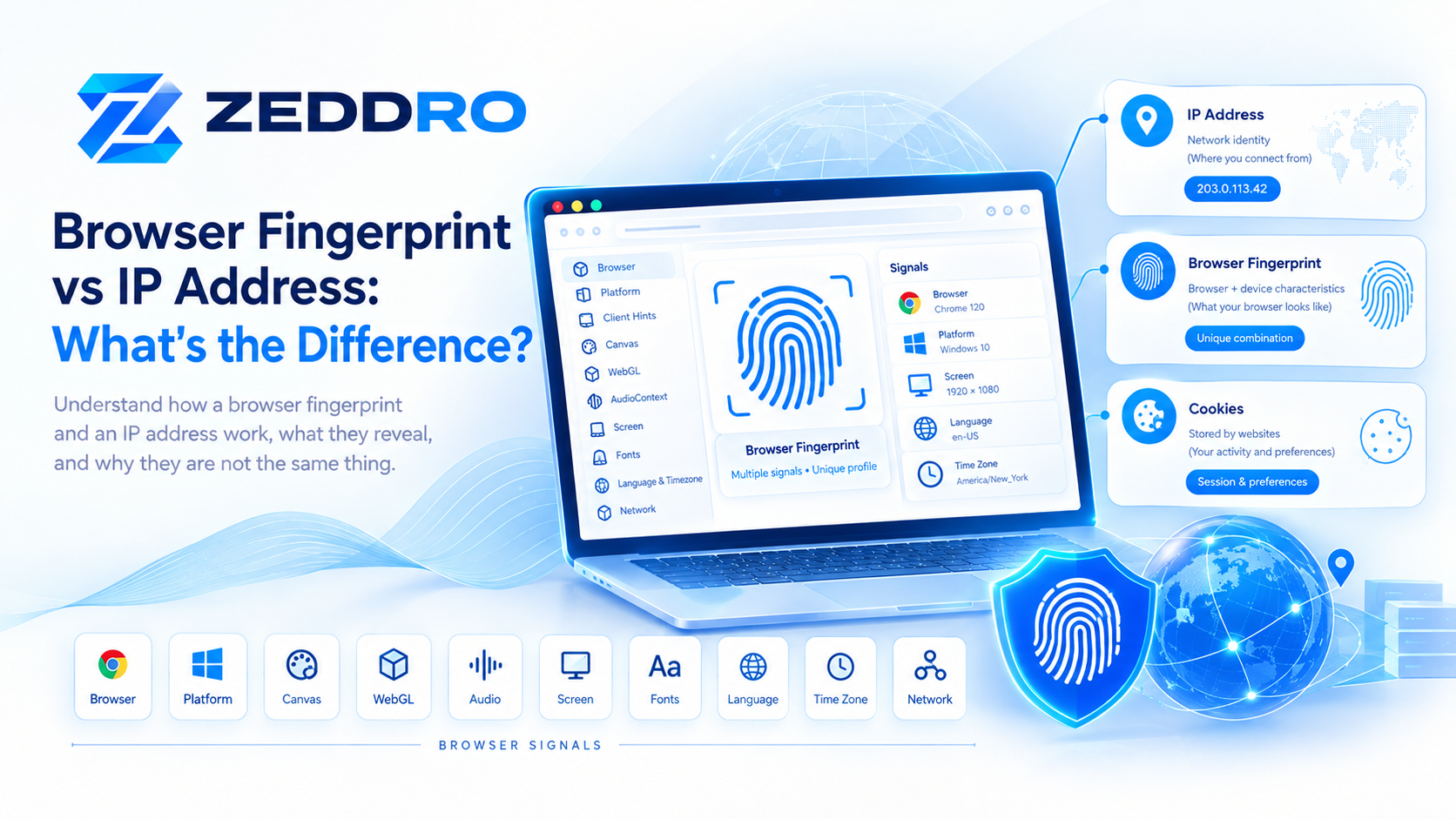
A browser fingerprint and an IP address are two very different types of information that websites can observe when someone connects to a web service.
An IP address primarily describes the network endpoint associated with a connection. A browser fingerprint is built from multiple characteristics of the browser, device, operating system, and environment.
They can sometimes be used together to recognize or correlate activity, but changing an IP address does not automatically change a browser fingerprint, and changing browser characteristics does not automatically change an IP address.
Understanding this distinction is important for privacy, security, web analytics, browser profile management, testing, and modern web development.
Quick Answer: Browser Fingerprint vs IP Address
The simplest way to understand the difference is:
| Signal | What it represents | Where it comes from |
|---|---|---|
| IP address | Network address associated with a connection | Network layer |
| Browser fingerprint | Combination of browser, device, and environment characteristics | Browser and device |
| Cookie | Stored website state or identifier | Browser storage |
| User-Agent | Browser and platform information sent in requests | HTTP/browser |
| Client Hints | Structured browser and platform information | HTTP/browser APIs |
An IP address answers a question similar to:
“From which network endpoint is this request coming?”
A browser fingerprint answers a different question:
“What combination of browser and device characteristics does this environment expose?”
These signals are related, but they are not interchangeable.
What Is an IP Address?
An IP address is an address used to identify a device or network interface on an IP network.
For example, an IPv4 address can look like:
203.0.113.42IPv6 addresses use a different format and provide a much larger address space.
When a browser connects to a web server, the server needs network information that allows the connection to work. IP addressing is part of that underlying networking system.
MDN describes an IP address as a number used to address a device on an IP network.
What can an IP address reveal?
An IP address may provide information such as:
- Network or hosting provider
- Approximate geographic location
- Autonomous system information
- Whether traffic appears to come from a residential, mobile, datacenter, or other network
- Network reputation or historical abuse signals
However, an IP address does not directly contain your complete browser configuration.
For example, knowing an IP address does not inherently tell a website:
- Which fonts are installed
- Your screen resolution
- Your WebGL characteristics
- Your Canvas rendering characteristics
- Which browser APIs are available
- Your browser's complete configuration
Those are different categories of information.
What Is a Browser Fingerprint?
A browser fingerprint is a collection of observable characteristics that can be combined to distinguish one browser environment from another.
MDN describes fingerprinting as collecting and combining distinguishing characteristics of a browser and its underlying operating system. Examples include browser version, timezone, preferred language, available media capabilities, fonts, browser settings, and display characteristics.
A fingerprint can involve many different signals.
For example:
Browser
   ↓
Operating System
   ↓
Screen
   ↓
Fonts
   ↓
Language
   ↓
Time Zone
   ↓
Canvas
   ↓
WebGL
   ↓
AudioContext
   ↓
Client Hints
   ↓
Other observable characteristics
The individual signals are not necessarily unique.
The important part is often the combination.
Browser Fingerprint vs IP Address: The Core Difference
The most important distinction is that these signals describe different layers of a web connection.
IP address
Primarily describes the network connection.
Browser fingerprint
Describes characteristics of the browser environment.
A useful mental model is:
             WEB REQUEST
                  │
        ┌─────────┴─────────┐
        │                   │
   Network Layer       Browser Layer
        │                   │
    IP Address        Fingerprint Signals
                            │
              ┌─────────────┼─────────────┐
              │             │             │
           Browser        Device       Environment
              │             │             │
          User-Agent     Screen        Fonts
          Client Hints   Graphics      Language
                         Audio         Time Zone
This is why treating an IP address and a browser fingerprint as the same thing leads to incorrect conclusions.
Does Changing Your IP Address Change Your Browser Fingerprint?
No.
Changing the network connection does not automatically change the characteristics exposed by the browser.
For example, suppose a browser environment exposes:
Browser: Chrome
OS: Windows
Screen: 1920 × 1080
Language: en-US
Time Zone: America/New_York
WebGL: specific renderer characteristics
Canvas: specific rendering characteristics
Fonts: specific set
If that browser connects through a different network, many of those browser characteristics can remain unchanged.
Conceptually:
Before

IP → Network A
Fingerprint → Environment A
After
IP → Network B
Fingerprint → Environment A
The network changed.
The browser environment did not necessarily change.
This distinction is particularly important when studying browser profiles, proxies, privacy technologies, and web analytics.
Does Changing Your Browser Fingerprint Change Your IP Address?
Again, no.
Browser characteristics and network addressing are separate concepts.
You could use a different browser configuration while remaining on the same network connection.
Conceptually:
IP → Network A
Fingerprint → Environment A

        ↓ Browser environment changes

IP → Network A
Fingerprint → Environment B
The browser environment changed, but the network connection did not.
This is one reason why a browser fingerprint should not be treated as an alternative representation of an IP address.
Can Websites See Both?
Depending on the architecture of the website and the browser, a service can observe multiple categories of information from the same visit.
For example:
Request
│
├── Network information
│      └── IP address
│
├── HTTP information
│      ├── User-Agent
│      └── Client Hints
│
├── Browser characteristics
│      ├── Screen
│      ├── Language
│      ├── Time Zone
│      ├── Canvas
│      ├── WebGL
│      └── Audio-related signals
│
└── Stored state
       ├── Cookies
       └── Other browser storage
The W3C fingerprinting guidance explicitly distinguishes passive fingerprinting, which can include information observable from HTTP requests such as IP addresses and headers, from active fingerprinting, where a site runs code to observe additional browser or device characteristics.
This distinction is important because fingerprinting is not necessarily one single technique.
It can involve multiple layers of information.
Browser Fingerprint vs Cookies
Cookies are another important piece of the identity puzzle.
A cookie is a small piece of data that a website sends to a browser. The browser can store it and send it back to the same server with later requests. Cookies allow websites to maintain state even though HTTP itself is stateless.
For example:
Website
   ↓
Set-Cookie
   ↓
Browser stores cookie
   ↓
Future request
   ↓
Cookie sent back
This allows a website to maintain information such as:
- Login sessions
- Preferences
- Shopping carts
- Website state
- Analytics identifiers
The difference
A cookie is stored state.
A browser fingerprint is primarily observable characteristics.
An IP address is network information.
So these three should not be confused:
| Technology | Main concept |
|---|---|
| IP address | Network |
| Browser fingerprint | Browser/device characteristics |
| Cookie | Stored website state |
A website may use several of these mechanisms simultaneously.
Browser Fingerprint vs IP Address vs Cookies
A practical comparison looks like this:
| Property | IP Address | Browser Fingerprint | Cookie |
|---|---|---|---|
| Network-related | Yes | No | No |
| Browser-related | No | Yes | Indirectly |
| Stored in browser | No | Not as a single value | Yes |
| Can change between networks | Often | Not necessarily | Usually no |
| Can persist across requests | Through network context | Potentially through matching signals | Yes |
| Contains browser configuration | No | Yes | Not inherently |
| Can represent session state | No | No | Yes |
| Can contribute to identification | Yes | Yes | Yes |
The important point is that web identity is often multi-layered.
There is rarely one magical identifier that explains everything.
Why IP Addresses Are Not Perfect Identifiers
It is tempting to think:
One IP address = one person.
Real-world networks are more complicated.
A single public IP address can be shared by:
- Multiple people
- A household
- An office
- A school
- A company
- Mobile users
- Users behind carrier-grade NAT
Likewise, one person may use different IP addresses over time.
For example:
Home Wi-Fi
     ↓
IP A

Mobile network
     ↓
IP B

Office network
     ↓
IP C
The same user can therefore appear from different IP addresses.
Conversely:
                    ┌── User A
Shared public IP ───┼── User B
                    ├── User C
                    └── User D
Multiple users can appear behind the same public address.
Therefore, an IP address is useful network information, but it should not automatically be interpreted as a permanent human identity.
Why Browser Fingerprints Are Not Perfect Identifiers Either
A browser fingerprint has limitations as well.
Browsers change.
Operating systems change.
Screens change.
Fonts change.
Browser updates can modify available APIs and exposed characteristics.
Privacy features can also reduce the amount of information available to websites.
MDN notes that modern browsers implement protections against fingerprinting, including restricting access to information or introducing variation that makes fingerprint-based identification more difficult.
The W3C likewise describes browser fingerprinting as a privacy concern while noting that fingerprinting can also have legitimate security applications.
So a fingerprint should not be thought of as a permanent hardware serial number.
It is better understood as a set of observable characteristics at a particular point in time.
Can an IP Address and Fingerprint Be Used Together?
Yes.
This is where the distinction becomes especially important.
Imagine a website receives:
IP:
203.0.113.42

Browser:
Chrome

OS:
Windows

Screen:
1920 × 1080

Language:
en-US

Time Zone:
America/New_York

WebGL:
Renderer characteristics

Canvas:
Rendering characteristics
The IP describes the network context.
The other signals describe aspects of the browser environment.
Together, they can provide a richer picture of the visit than either category alone.
The W3C notes that IP address and other network-level information can form part of passive fingerprinting, while active techniques can collect additional browser and device characteristics.
What Happens When an IP Changes but the Browser Stays the Same?
Consider a legitimate example: someone moves from home Wi-Fi to a mobile connection.
Their network changes:
IP A
   ↓
IP B
But their browser may still expose many of the same characteristics:
Browser → same
OS → same
Screen → same
Fonts → same
Canvas → potentially similar
WebGL → potentially similar
Language → same
Time zone → same
Therefore:
Different IP ≠ automatically different browser environment.
This is an important concept for developers, security engineers, privacy researchers, and anyone working with browser profiles.
What Happens When the Browser Environment Changes but the IP Stays the Same?
The reverse situation is also possible.
Imagine two different browser environments using the same network:
                  Same Network
                       │
                Public IP Address
                       │
             ┌─────────┴─────────┐
             │                   │
        Browser A           Browser B
             │                   │
       Fingerprint A       Fingerprint B
The network may be shared, while the browser environments expose different characteristics.
This illustrates why an IP address and browser fingerprint answer different questions.
What About VPNs and Proxies?
VPNs and proxies primarily affect the network path and apparent source of traffic.
They should not automatically be described as browser fingerprint technologies.
A simplified model is:
Browser
   ↓
VPN / Proxy
   ↓
Internet
   ↓
Website
The network endpoint visible to the destination may change depending on the setup.
But the browser can still expose characteristics such as:
- Browser version
- Screen properties
- Language
- Time zone
- WebGL characteristics
- Canvas behavior
- Audio-related characteristics
- Client Hints
So:
A proxy changes network routing; it does not inherently recreate the browser environment.
This distinction is one of the most important concepts when understanding browser profile management.
Why Fingerprint Consistency Matters
The previous article in this series covered browser fingerprint consistency, and the concept is directly relevant here.
A browser environment consists of related signals.
For example:
User-Agent
     ↓
Browser
     ↓
Operating System
     ↓
Client Hints
     ↓
Screen
     ↓
Graphics
     ↓
Language
     ↓
Time Zone
These signals do not exist in isolation.
If they describe an internally coherent environment, they make sense together.
If they contradict one another, the environment becomes harder to interpret correctly.
This is why changing a single browser parameter without considering related signals can create an inconsistent configuration.
Browser Fingerprint, IP Address, and Browser Profiles
Browser profiles provide a practical way to organize separate browser environments.
A profile can contain its own combination of:
- Browser settings
- Cookies
- Local storage
- Session state
- Fingerprint-related configuration
- Proxy configuration
- Other profile-specific data
This is useful for legitimate workflows where teams need to separate:
- Different clients
- Different projects
- Testing environments
- Advertising workspaces
- E-commerce projects
- Research environments
- Development environments
The goal is not to treat a browser profile as a magical identity.
Instead, it is better understood as a controlled browser environment.
How Zeddro Fits Into This Model
Zeddro is designed around the idea of managing browser environments rather than treating an IP address as a complete identity.
A Zeddro profile can combine several components within one workspace:
                 ZEDDRO PROFILE
                       │
       ┌───────────────┼───────────────┐
       │               │               │
   Fingerprint       Proxy          Cookies
       │               │               │
   Browser          Network         Session
   Device            Path            State
       │
       └───────────────┐
                       │
                 Browser Session
This approach makes it easier to keep projects and browser environments separated and organized.
For teams, this can also simplify profile sharing, permissions, and workspace management.
Importantly, no browser-profile platform should be presented as a guarantee of anonymity or immunity from website security systems. Browser environments remain subject to the technical characteristics and policies of the websites they interact with.
IP Address vs Browser Fingerprint: Which One Is More Important?
There is no universal answer.
It depends on the question being asked.
If you are investigating network activity
The IP address may be highly relevant.
If you are studying browser identification
Fingerprint signals may be more relevant.
If you are analyzing logged-in sessions
Cookies and account/session identifiers may be especially important.
If you are analyzing a complete web visit
You may need to consider all of them together.
A useful model is:
Network
   +
Browser
   +
Device
   +
Stored State
   +
Account
   ↓
Complete Web Context
No single signal necessarily explains the entire picture.
Browser Fingerprinting Is More Than One Signal
One of the most common misconceptions about browser fingerprints is that there is one universal value called:
“The browser fingerprint.”
In practice, fingerprinting can involve many observable characteristics.
For example:
- User-Agent
- Client Hints
- Screen dimensions
- Browser APIs
- Canvas rendering
- WebGL characteristics
- Audio-related behavior
- Fonts
- Language
- Time zone
- Device characteristics
- Browser settings
MDN specifically describes fingerprinting as combining distinguishing browser and operating-system characteristics rather than relying on one universal identifier.
This is also why browser fingerprinting is better understood as a measurement and correlation problem than as a single-ID lookup.
How Websites Can Combine These Signals
A simplified website architecture could look like this:
                   Web Request
                       │
          ┌────────────┼────────────┐
          │            │            │
        Network       HTTP        Browser
          │            │            │
         IP       User-Agent    JavaScript
                       │            │
                  Client Hints   Browser APIs
                                    │
                         ┌──────────┼──────────┐
                         │          │          │
                      Canvas      WebGL     Screen
                         │          │          │
                         └──────────┼──────────┘
                                    │
                             Signal Analysis
                                    │
                             Session Context
A real website may use additional systems, identifiers, authentication information, and security signals.
The exact implementation varies considerably between services.
Does a VPN Make a Browser Fingerprint Disappear?
No.
A VPN can change the network path and the IP address visible to the destination.
It does not automatically remove all browser characteristics.
For example:
VPN
 ↓
New network endpoint

Browser
 ↓
Same browser characteristics
Fingerprinting and network privacy are therefore separate topics.
A privacy strategy may need to consider both network-level and browser-level information.
Does Incognito Mode Change Your Browser Fingerprint?
Not necessarily.
Private browsing modes primarily change how the browser handles local browsing state, such as history and certain forms of storage.
They should not automatically be interpreted as creating a completely different browser environment.
The browser may continue exposing many normal browser and device characteristics.
Therefore:
Incognito mode ≠ completely new browser fingerprint.
Browser Fingerprint vs IP Address: A Simple Example
Imagine Alice visits a website from her laptop.
The website receives network information:
IP: Network AThe browser exposes:
Chrome
Windows
1920 × 1080
en-US
Specific WebGL characteristics
Specific Canvas behavior
Specific fonts
Now Alice changes networks.
IP: Network BBut continues using the same laptop and browser.
Many browser characteristics may remain similar.
So:
Network identity changed
        ≠
Browser environment completely changed
This simple example explains why IP addresses and fingerprints should always be analyzed separately.
How to Think About Web Identity
A useful conceptual model is to think about web identity as multiple layers:
Layer 1 — Network
IP address
Network provider
Connection characteristics
Layer 2 — Browser
Browser
User-Agent
Client Hints
Browser APIs
Layer 3 — Device and environmen
Screen
Graphics
Audio
Fonts
Language
Time zone
Layer 4 — Stored state
Cookies
Local storage
Sessions
Site preferences
Layer 5 — Account
Login
Account identifiers
Application-specific data
A website may use one or several of these layers depending on its architecture and security requirements.
Privacy and Fingerprinting
Browser fingerprinting has legitimate uses, including security and fraud prevention, but it also raises privacy concerns.
The W3C's fingerprinting guidance specifically discusses the privacy implications of exposing browser settings and characteristics and provides guidance for reducing fingerprinting-related privacy risks in web specifications.
Modern browsers have introduced various privacy protections over time.
These can include:
- Limiting access to certain information
- Reducing the precision of exposed information
- Standardizing values
- Partitioning storage
- Adding noise or variation in certain contexts
The objective is not necessarily to make every browser identical, but to reduce unnecessary exposure and make passive identification more difficult.
Key Differences at a Glance
If you remember only five things from this article, remember these:
1. An IP address is network information
It relates to the network endpoint associated with a connection.
2. A browser fingerprint is a collection of browser and device characteristics
It can include many signals.
3. Changing an IP does not automatically change a fingerprint
The browser environment can remain largely the same.
4. Changing browser characteristics does not automatically change an IP
The network connection can remain unchanged.
5. Websites can combine multiple signals
IP address, fingerprint signals, cookies, sessions, and account information can all play different roles.
Frequently Asked Questions
Is a browser fingerprint the same as an IP address?
No. An IP address is network-level information, while a browser fingerprint is a combination of browser, device, and environment characteristics.
Can a browser fingerprint reveal my IP address?
A browser fingerprint itself is not an IP address. IP information comes from the network connection, while fingerprinting involves observable browser and device characteristics.
Does changing my IP change my fingerprint?
No. Changing the network connection does not automatically change the browser's characteristics.
Does changing browsers change my IP?
No. Switching browsers does not inherently change the network connection or public IP address.
Is a browser fingerprint permanent?
No. Browser fingerprints are based on observable characteristics that can change as the browser, operating system, device, settings, or environment changes.
Are cookies the same as browser fingerprints?
No. Cookies are stored website data used to maintain state and other information. Fingerprinting involves observing and combining browser or device characteristics.
Does a VPN prevent browser fingerprinting?
Not by itself. A VPN primarily changes network routing and can affect the IP address visible to a destination. Browser characteristics may still be observable.
Does Incognito Mode create a new fingerprint?
Not necessarily. Private browsing changes aspects of local browsing state but does not guarantee a completely different browser environment.
Why do websites use browser fingerprinting?
Fingerprinting can be used for purposes such as security, fraud prevention, analytics, personalization, and user recognition. It can also create privacy concerns, which is why browser vendors and web standards increasingly consider fingerprinting mitigation.
Final Takeaway
A browser fingerprint and an IP address are two different layers of web information.
The IP address primarily describes the network side of a connection. The browser fingerprint describes a collection of characteristics exposed by the browser, operating system, device, and environment.
Neither should be treated as a complete representation of a person or device.
The most useful way to understand modern web identity is as a combination of multiple layers:
Network + Browser + Device + Stored State + Account
That distinction becomes increasingly important when working with browser privacy, security systems, web analytics, browser profiles, proxies, and multi-environment testing.
For anyone working with multiple browser environments, the goal should be to understand how these layers interact rather than assuming that changing one signal changes everything.
Related Articles
Continue the Zeddro Browser Fingerprinting series:
- What Is Browser Fingerprinting? How It Works
https://blog.zeddro.com/post/what-is-browser-fingerprinting - How Browser Fingerprinting Works: A Technical Deep Dive
https://blog.zeddro.com/post/how-browser-fingerprinting-works-a-technical-deep-dive - Canvas Fingerprinting: How It Works and Why It Matters
https://blog.zeddro.com/post/canvas-fingerprinting-how-it-works-and-why-it-matters - WebGL Fingerprinting: How It Works and Why It Matters
https://blog.zeddro.com/post/webgl-fingerprinting-how-it-works-and-why-it-matters-in-2026 - AudioContext Fingerprinting: How It Works and Why It Matters
https://blog.zeddro.com/post/browser-fingerprinting/audiocontext-fingerprinting - Client Hints and Browser Fingerprinting: What Websites Can Learn
https://blog.zeddro.com/post/browser-fingerprinting/client-hints-browser-fingerprinting - Browser Fingerprint Consistency: Why It Matters
https://blog.zeddro.com/post/browser-fingerprinting/browser-fingerprint-consistency