
How to Use Browser Profiles for Work, Clients, and Personal Accounts
Browser profiles make it easier to separate work, clients, personal accounts, and testing environments. Learn how to structure and manage them efficiently.
Browser profiles make it easier to separate work, clients, personal accounts, and testing environments. Learn how to structure and manage them efficiently.
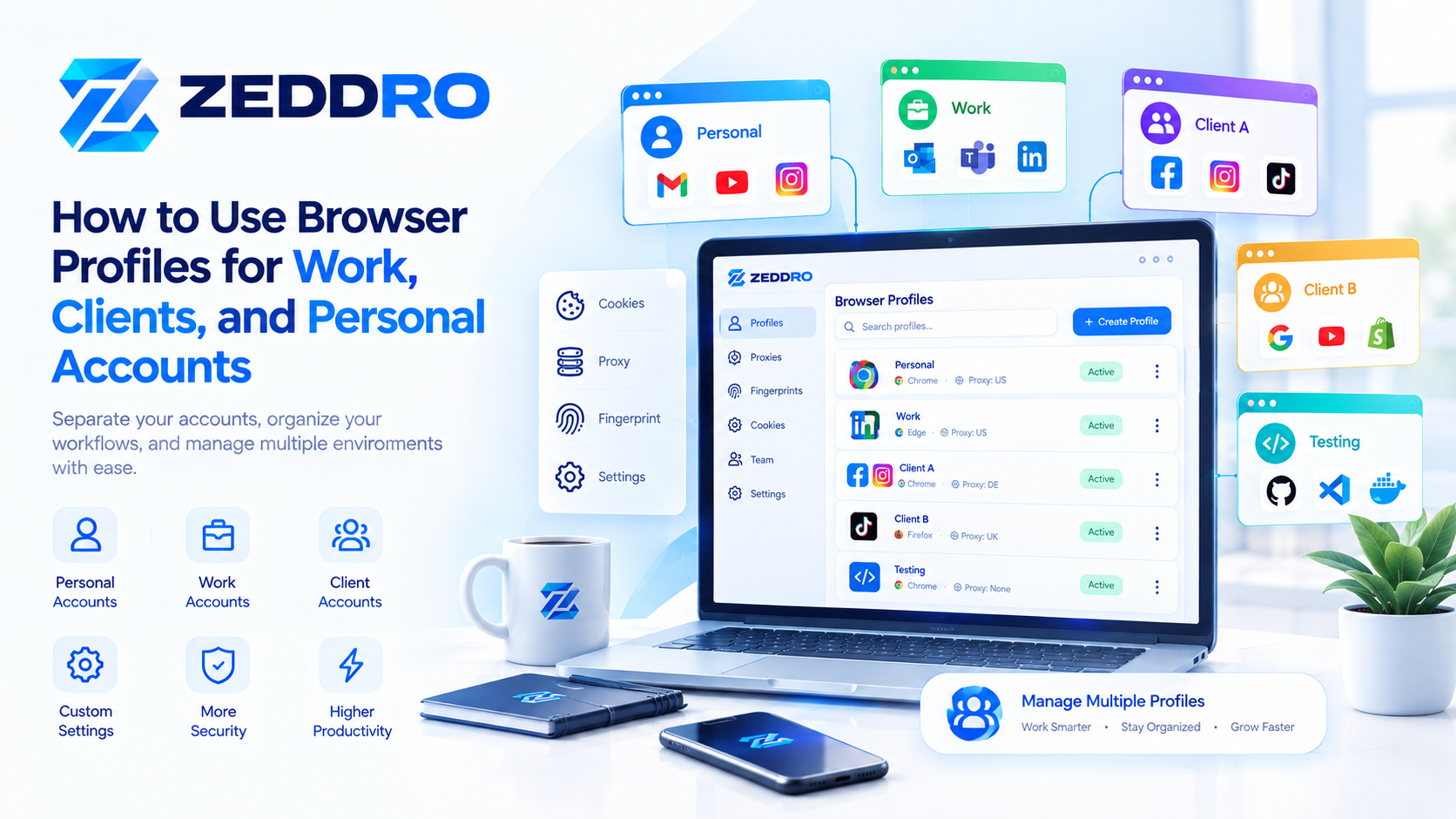
Browser profiles make it easier to separate work, clients, personal accounts, and testing environments. Learn how to structure and manage them efficiently.
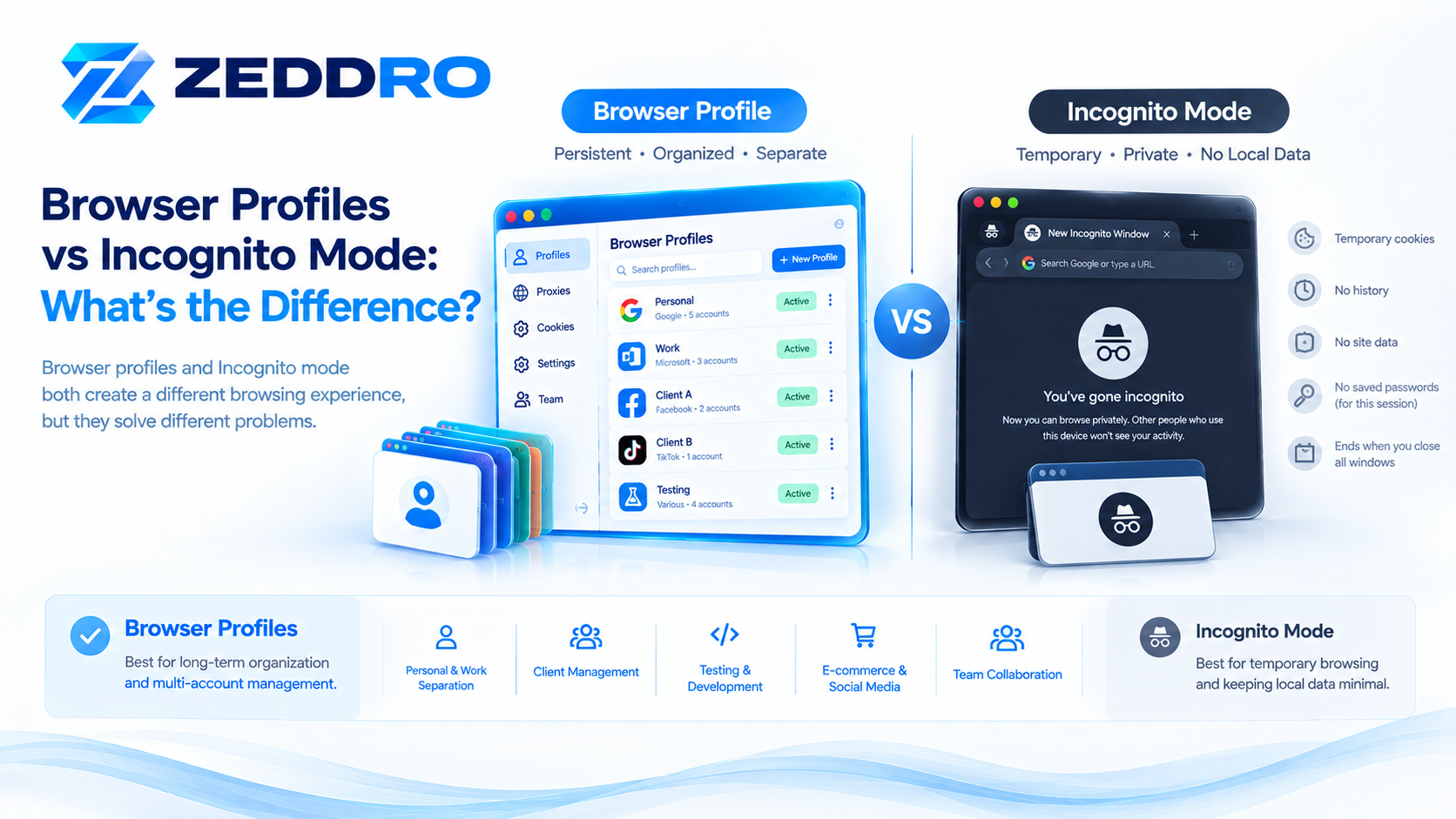
Browser profiles and Incognito mode solve different problems. Learn how each handles cookies, storage, history, sessions, and account separation.
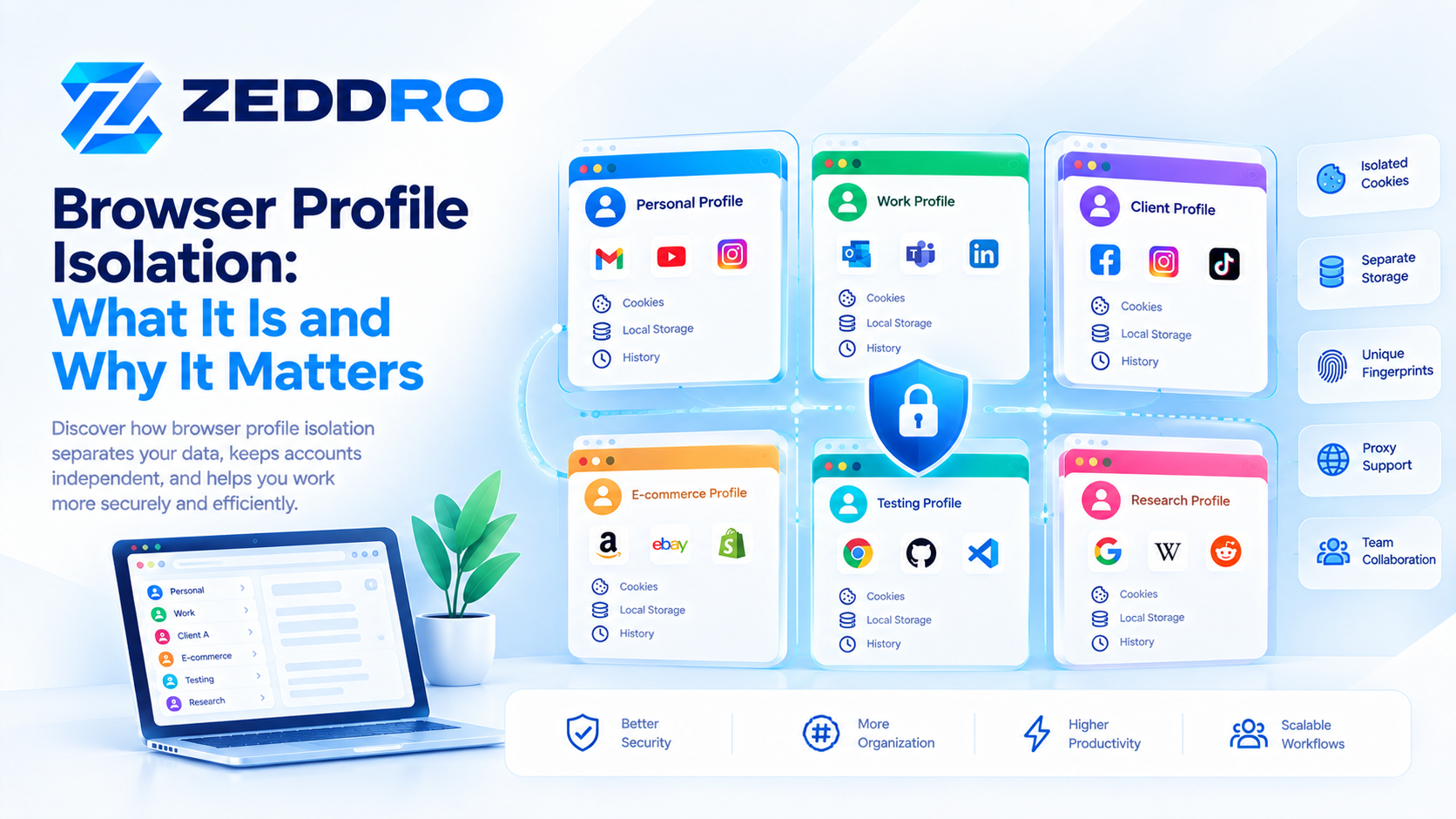
Browser profile isolation separates browser data and settings between environments. Learn how it works, what it protects, and where its limitations are.
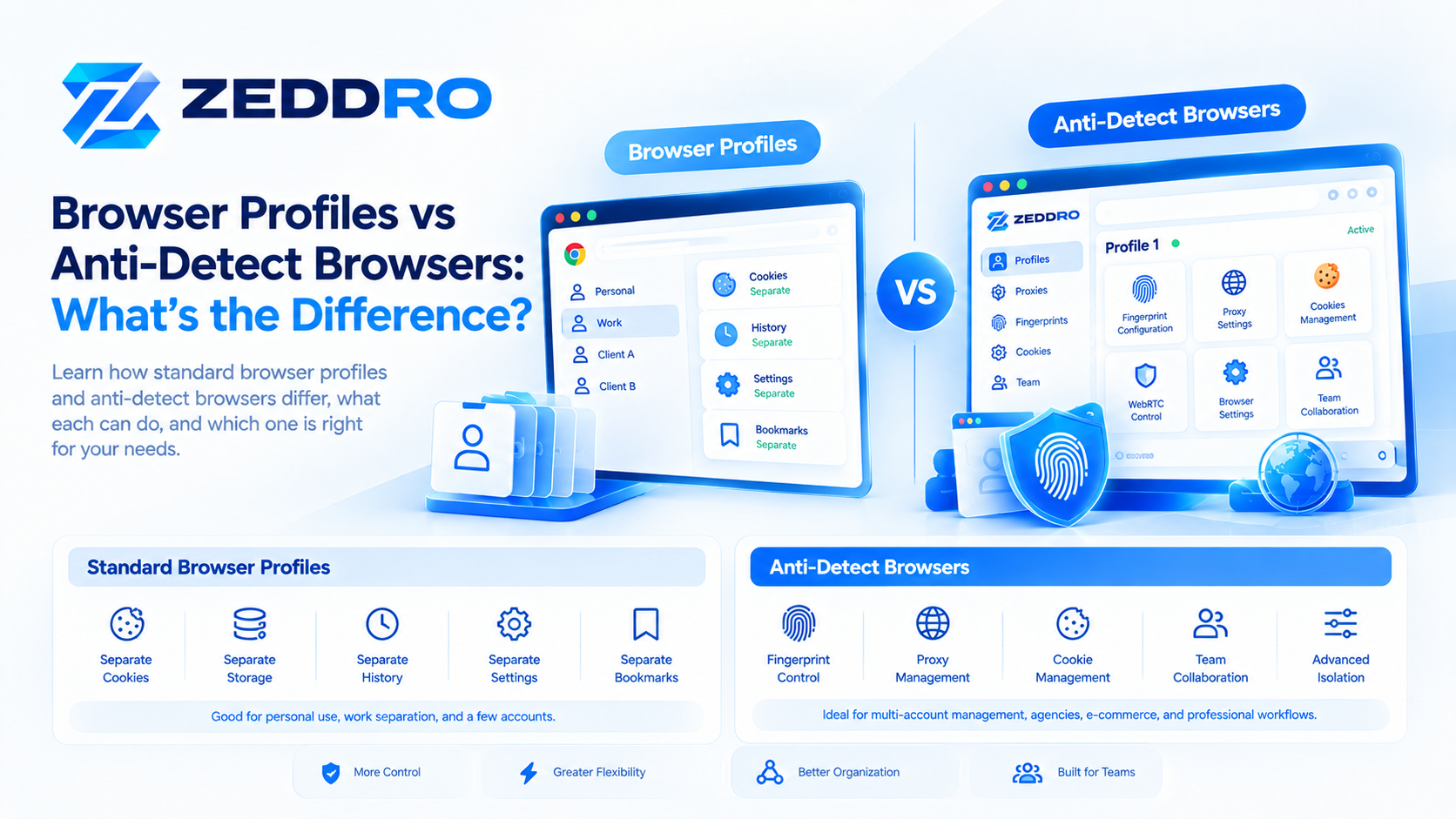
Browser profiles separate browser data, while anti-detect browsers add deeper control over browser environments. Learn how the two approaches differ.
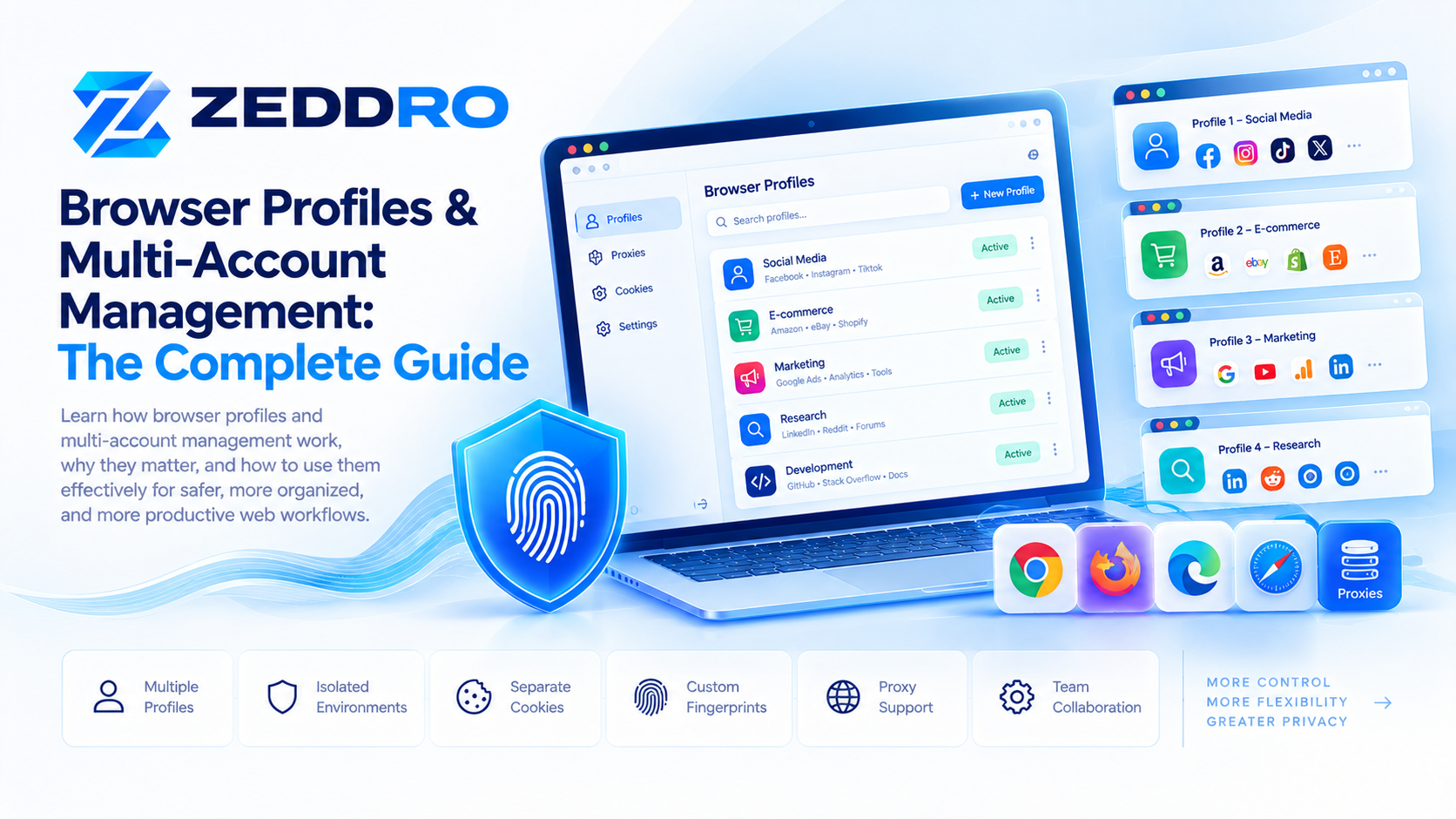
A browser profile creates a separate browser environment with its own settings, cookies, history, and stored data. Learn how profiles work and why they matter.
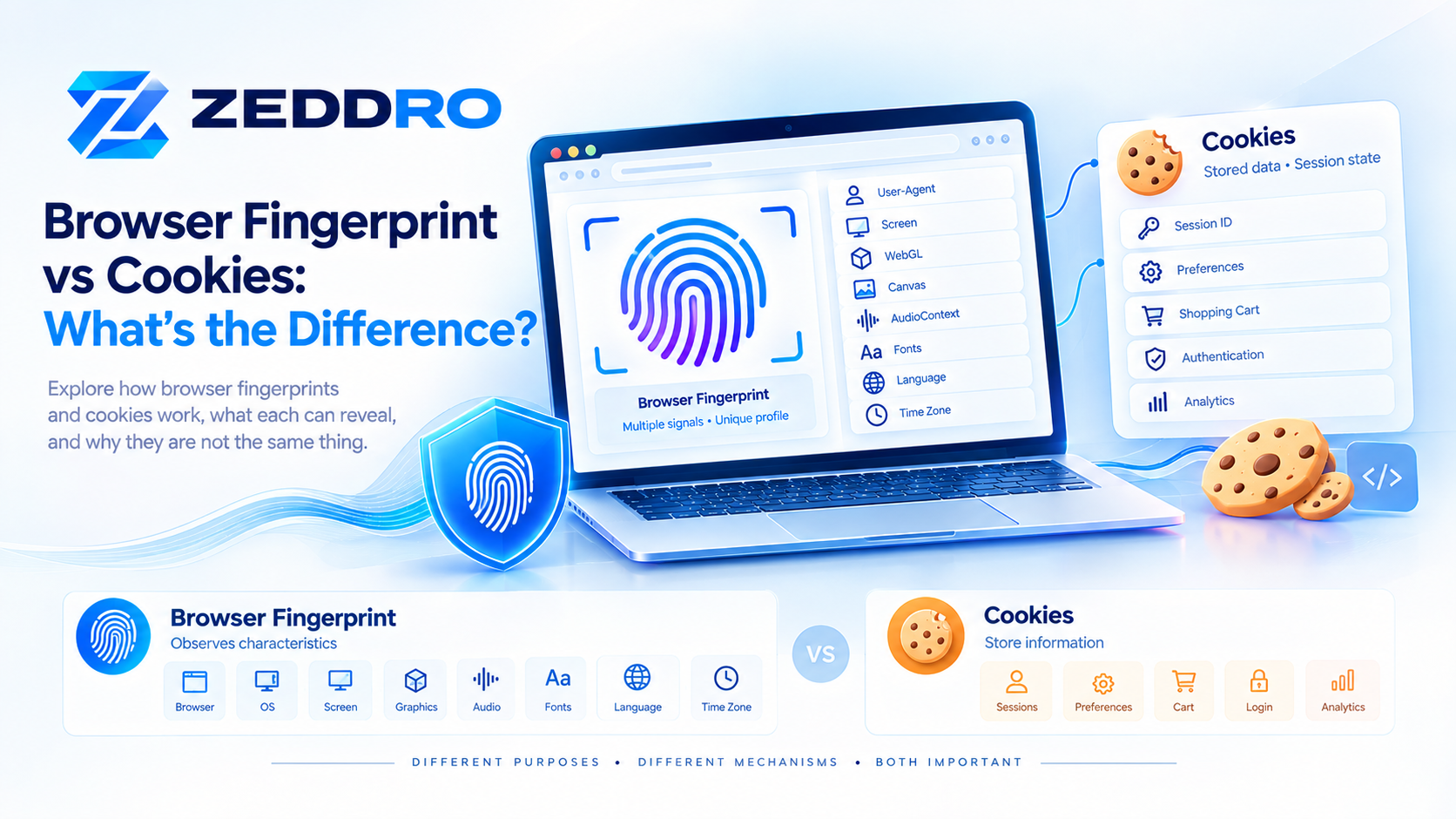
Browser fingerprints and cookies are two different ways websites can recognize or maintain context around a browser. Learn how they work and why the distinction matters.
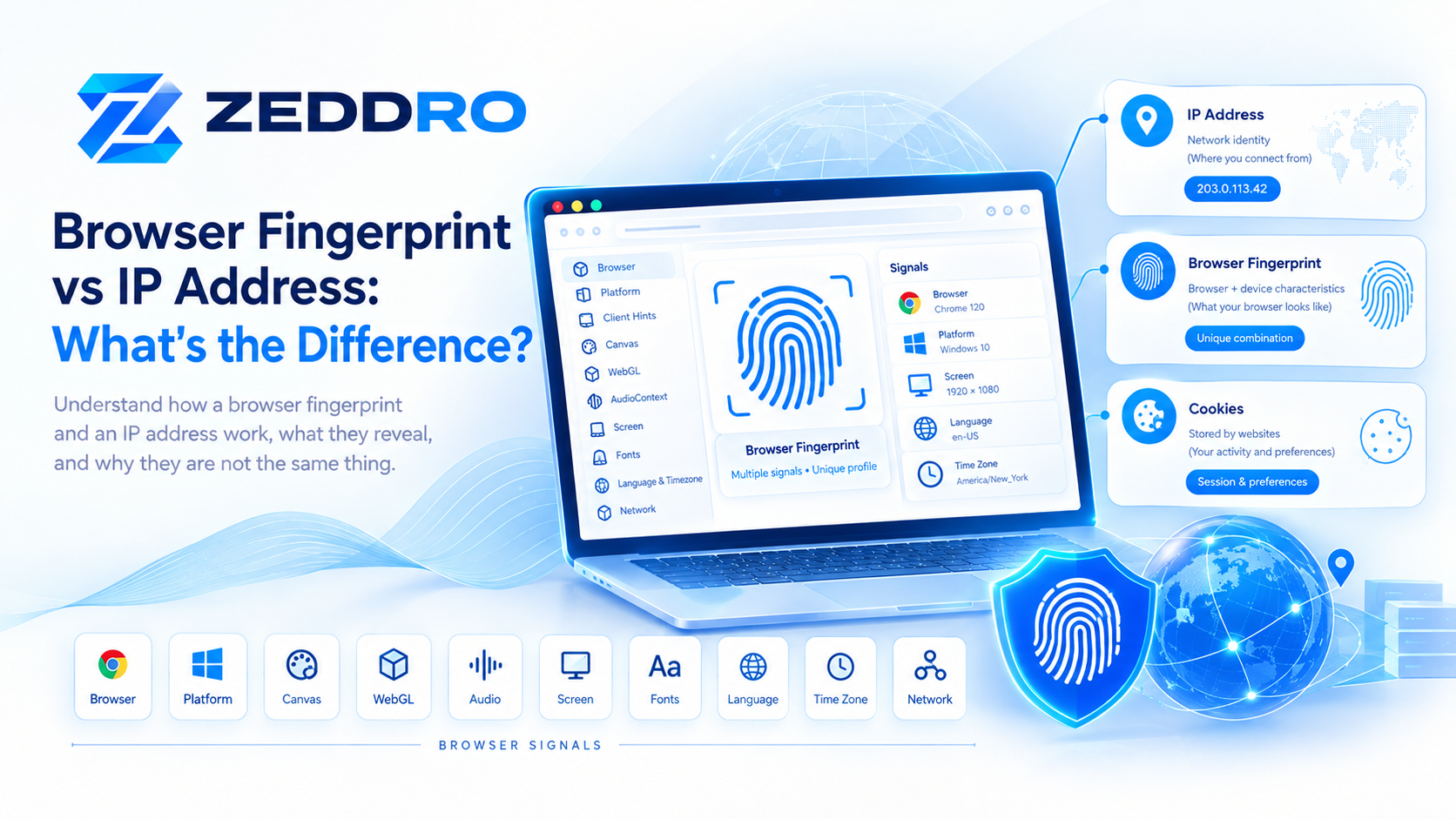
A browser fingerprint and an IP address provide different types of information about a web visitor. Learn how each works, what it reveals, and how they can be combined.
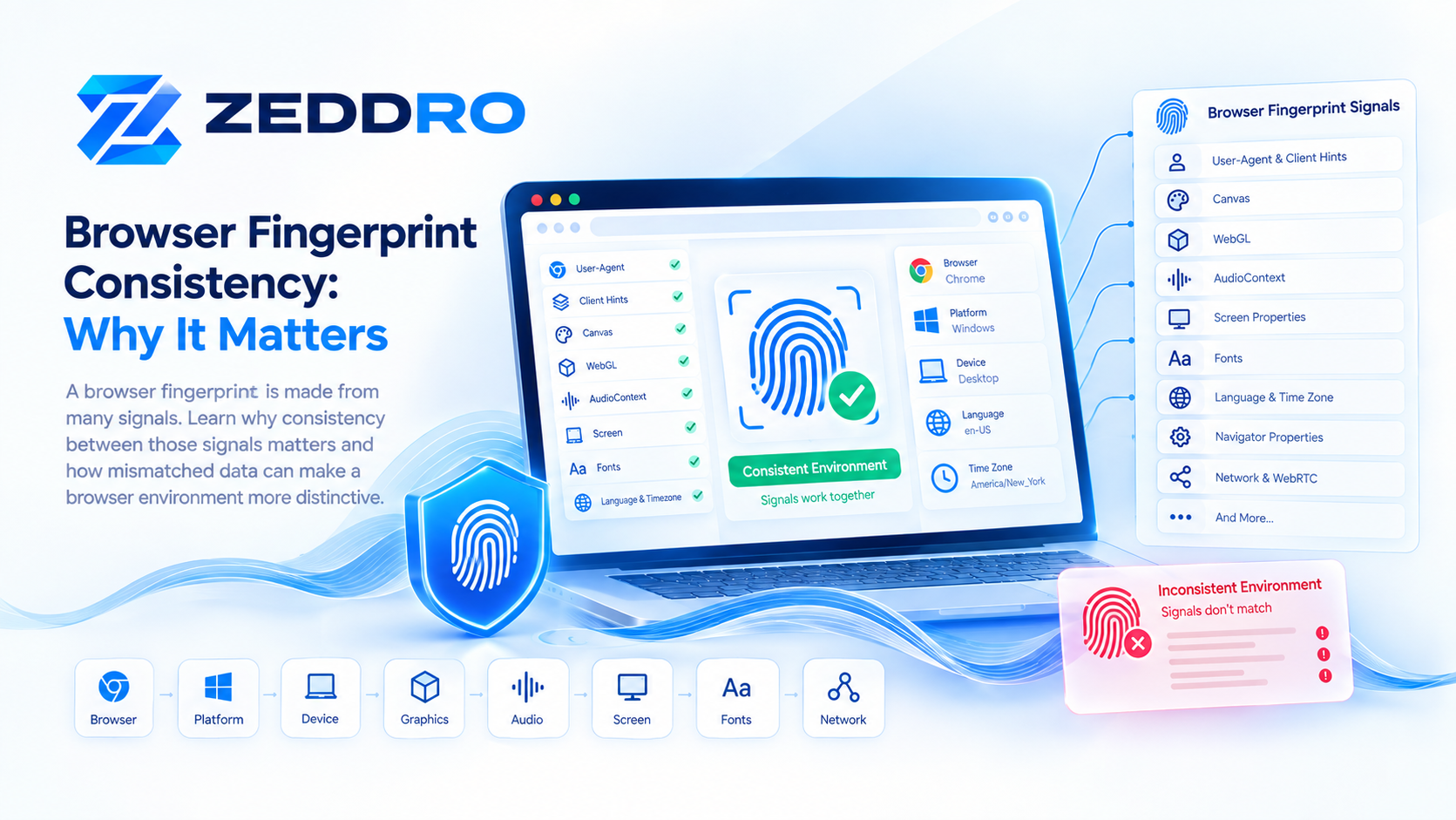
A browser fingerprint is made from many signals. Learn why consistency between those signals matters and how mismatches can make a browser environment more distinctive.
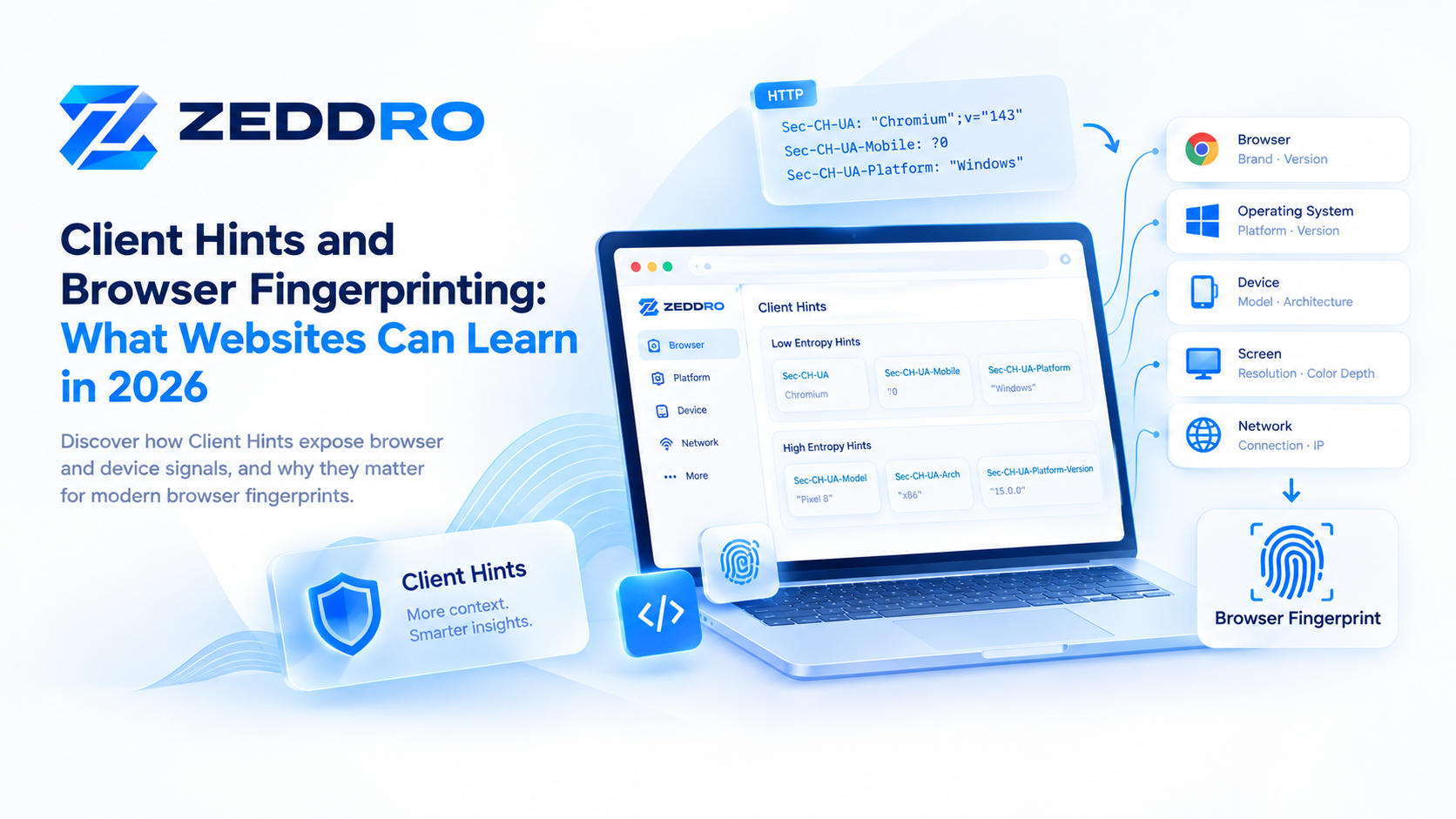
Client Hints give websites structured information about browsers, platforms, and devices. Learn how these signals work and why they matter for modern browser fingerprints.