
A browser can reveal surprisingly detailed information without storing a traditional tracking cookie.
One of the techniques that makes this possible is canvas fingerprinting.
Instead of asking the browser for a simple setting such as its operating system or screen size, canvas fingerprinting examines how the browser actually renders graphical content.
The resulting rendering can contain subtle differences caused by the combination of the browser, operating system, graphics stack, fonts, drivers, and hardware.
Those differences can then become one signal within a broader browser fingerprint.
Canvas fingerprinting is therefore not simply about drawing an image.
It is about using the browser's rendering behavior as an observable characteristic.
What Is Canvas Fingerprinting?
Canvas fingerprinting is a browser fingerprinting technique that uses the way a browser renders HTML Canvas content as a distinguishing signal.
The HTML Canvas API allows websites to draw graphics, shapes, text, images, animations, and other visual content directly inside a webpage. MDN describes the Canvas API as a JavaScript-based mechanism for drawing graphics through the HTML element.
For ordinary web applications, this is completely legitimate.
Canvas is used for things such as:
- Games
- Data visualization
- Image manipulation
- Animations
- Drawing applications
- Interactive graphics
- Video processing
The same rendering capability can also expose subtle differences between browser environments.
This is where canvas fingerprinting comes in.
How Does Canvas Fingerprinting Work?
The basic process can be represented as:
Website
Creates Canvas
Draws predefined content
Browser renders the content
Pixel data is obtained
Rendering result is processed
Canvas fingerprint signal
A tracker can create a canvas element and use JavaScript to render carefully selected shapes and text.
The rendered pixels are then read back and processed.
EFF describes canvas fingerprinting as a technique where a tracker renders graphics or text and computes a hash of the resulting pixels.
The important part is that the final image isn't necessarily identical across every environment.
Why Can Two Browsers Render the Same Canvas Differently?
At first glance, this may seem strange.
If two computers receive exactly the same drawing instructions, shouldn't they produce exactly the same image?
Not necessarily.
The final rendering can be influenced by multiple layers of the software and hardware stack.
A simplified model looks like this:
Canvas Instructions
Browser
Rendering Engine
Operating System
Graphics Libraries
Graphics Driver
GPU / Hardware
Rendered Pixels
Small differences anywhere along this chain can influence the final result.
EFF notes that factors such as the operating system, browser version, graphics card, firmware, graphics driver, and installed fonts can affect the canvas output.
This is what makes canvas useful as a fingerprinting signal.
The Canvas Fingerprinting Process
Let's break the process into individual stages.
1. A Website Creates a Canvas
The page creates an HTML Canvas element.
Conceptually:
The canvas can exist visibly on the page or be used without being obvious to the user.
2. The Website Draws Specific Content
The website can draw a predefined combination of:
- Shapes
- Colors
- Gradients
- Lines
- Text
- Fonts
- Transparency
- Other graphical elements
The goal is not necessarily to create something visually meaningful.
The goal can be to produce a rendering workload that exposes differences between environments.
3. The Browser Renders the Canvas
The browser interprets the drawing instructions and sends them through its graphics stack.
The result is a bitmap containing the rendered pixels.
This is where environmental differences can emerge.
4. The Pixel Data Can Be Read
Canvas APIs can provide access to the rendered pixel data.
For example, the getImageData() method returns an ImageData object representing pixel information from a specified canvas region.
A simplified conceptual flow is:
Canvas
Rendered pixels
Pixel data
Processing
5. The Result Can Be Converted Into a Fingerprint Signal
The raw pixel data can be processed into a compact representation.
One common conceptual approach is:
Pixel Data
Normalization
Hashing
Canvas Fingerprint
The resulting hash is not necessarily a universal identifier.
It is better understood as one observable characteristic that can be compared with other observations.
What Makes a Canvas Fingerprint Different?
The interesting characteristic is not that the canvas contains secret information.
It doesn't.
The information comes from the rendering behavior.
Imagine two environments receiving identical instructions:
Environment A
Browser: Chrome
OS: Windows
GPU: Hardware A
Driver: Version A
Fonts: Set A
Environment B
Browser: Chrome
OS: Windows
GPU: Hardware B
Driver: Version B
Fonts: Set B
Both environments could produce slightly different rendered output.
The difference can become observable through pixel-level comparison.
Is a Canvas Fingerprint Unique?
Not necessarily.
This is an important distinction.
Canvas fingerprinting does not guarantee that every browser produces a completely unique fingerprint.
Many browsers can generate identical or very similar results.
The usefulness of the signal depends on:
- The population being measured
- The rendering environment
- The particular canvas test
- Other fingerprint signals
- How the fingerprinting system compares results
EFF's Cover Your Tracks project measures canvas fingerprint information alongside many other browser characteristics rather than treating canvas as a standalone identity.
Therefore:
Canvas fingerprint ≠ guaranteed unique identity
Instead:
Canvas fingerprint = one potentially useful browser characteristic
Canvas Fingerprinting Works Better as Part of a Larger Fingerprint
This is one of the most important concepts to understand.
Suppose a website observes: Canvas → A That alone may not tell it much.
Now add:
Browser → Chrome
OS → Windows
Screen → 1920×1080
Language → en-US
Time Zone → America/New_York
WebGL → B
AudioContext → C
Canvas → A
The combined profile becomes significantly more informative.
This is the same principle discussed in our previous article about how browser fingerprinting works.
Browser fingerprinting systems generally combine multiple characteristics instead of relying on a single signal.
MDN similarly describes fingerprinting as collecting and combining distinguishing characteristics of the browser and underlying operating system.
Canvas Fingerprinting vs WebGL Fingerprinting
Canvas and WebGL are related, but they aren't the same technique.
| Canvas Fingerprinting | WebGL Fingerprinting |
|---|---|
| Primarily uses Canvas rendering | Uses WebGL graphics capabilities |
| Often focuses on rendered pixel output | Can expose graphics-related characteristics and rendering behavior |
| Can involve text and 2D graphics | Designed for hardware-accelerated graphics |
| Uses HTML Canvas APIs | Uses WebGL APIs |
| Can contribute a canvas hash | Can contribute WebGL-related fingerprint signals |
Both can provide information about the graphics environment.
And both can become more useful when combined with other browser characteristics.
EFF's fingerprinting measurements include both a hash of canvas output and WebGL-related characteristics.
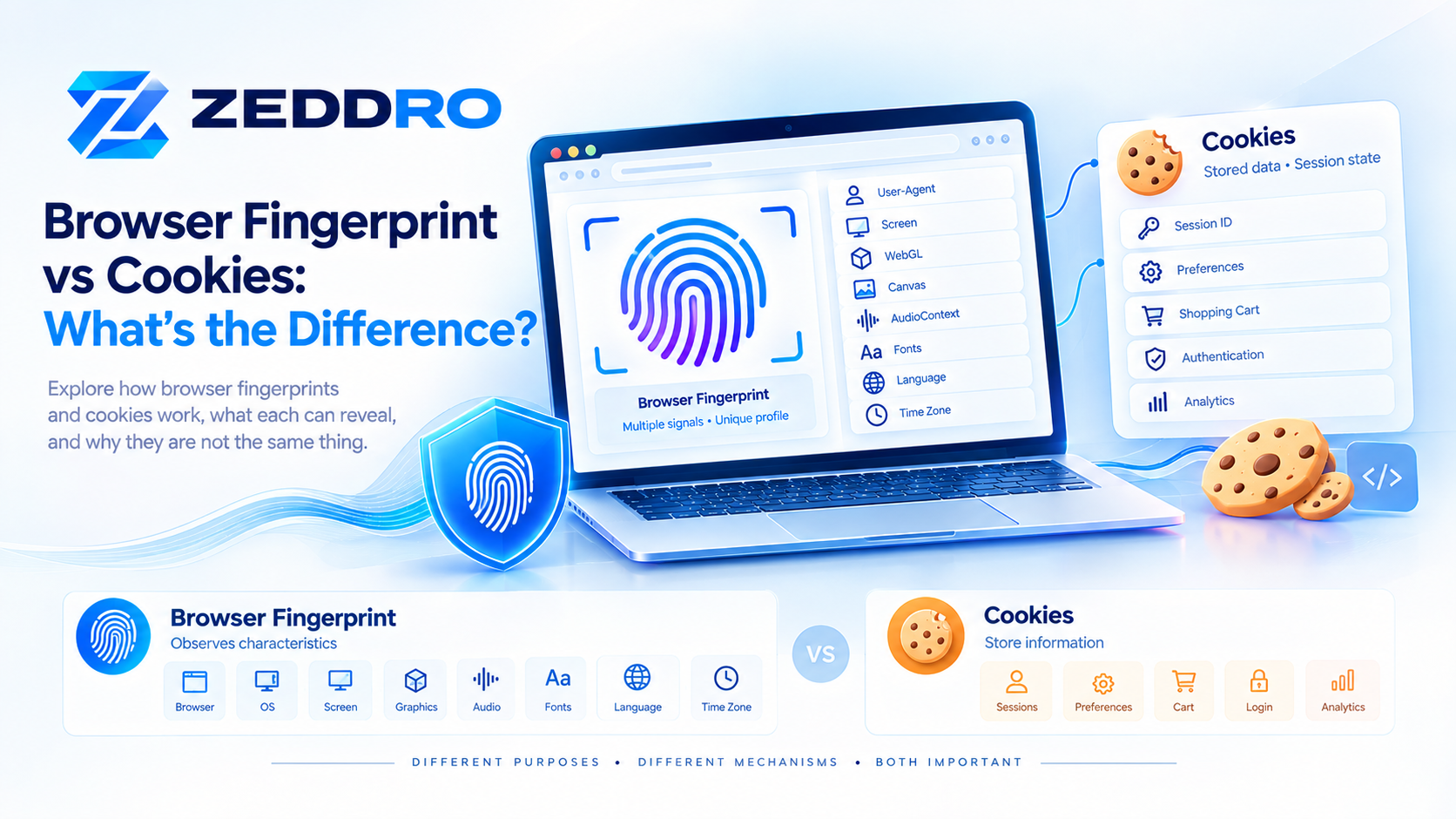
Canvas Fingerprinting vs Cookies
Canvas fingerprinting and cookies operate very differently.
Cookies
A website can store an identifier:
visitor_id = ABC123The browser then sends the identifier back to the website.
Canvas Fingerprinting
The website instead observes the browser's rendering characteristics:
Canvas Output
Fingerprint Signal
No equivalent cookie identifier is required for the canvas measurement itself.
This is why deleting cookies does not necessarily eliminate fingerprinting.
EFF explicitly notes that browser fingerprinting can continue to identify a browser through its characteristics even when cookies are deleted.
Can Canvas Fingerprinting Track Someone Across Websites?
Potentially, but there are important qualifications.
A canvas measurement by itself does not automatically reveal a person's name or account.
For tracking to become useful, a fingerprinting system generally needs to associate observations with some form of identifier, session, account, or other tracking context.
A simplified model could be:
Website A
Canvas Signal
Fingerprint Profile

Website B
Canvas Signal
Fingerprint Profile

Comparison
Possible Relationship
If enough characteristics match, a tracker may infer that two browser observations are likely related.
The strength of that inference depends on the complete fingerprint and the tracking system.
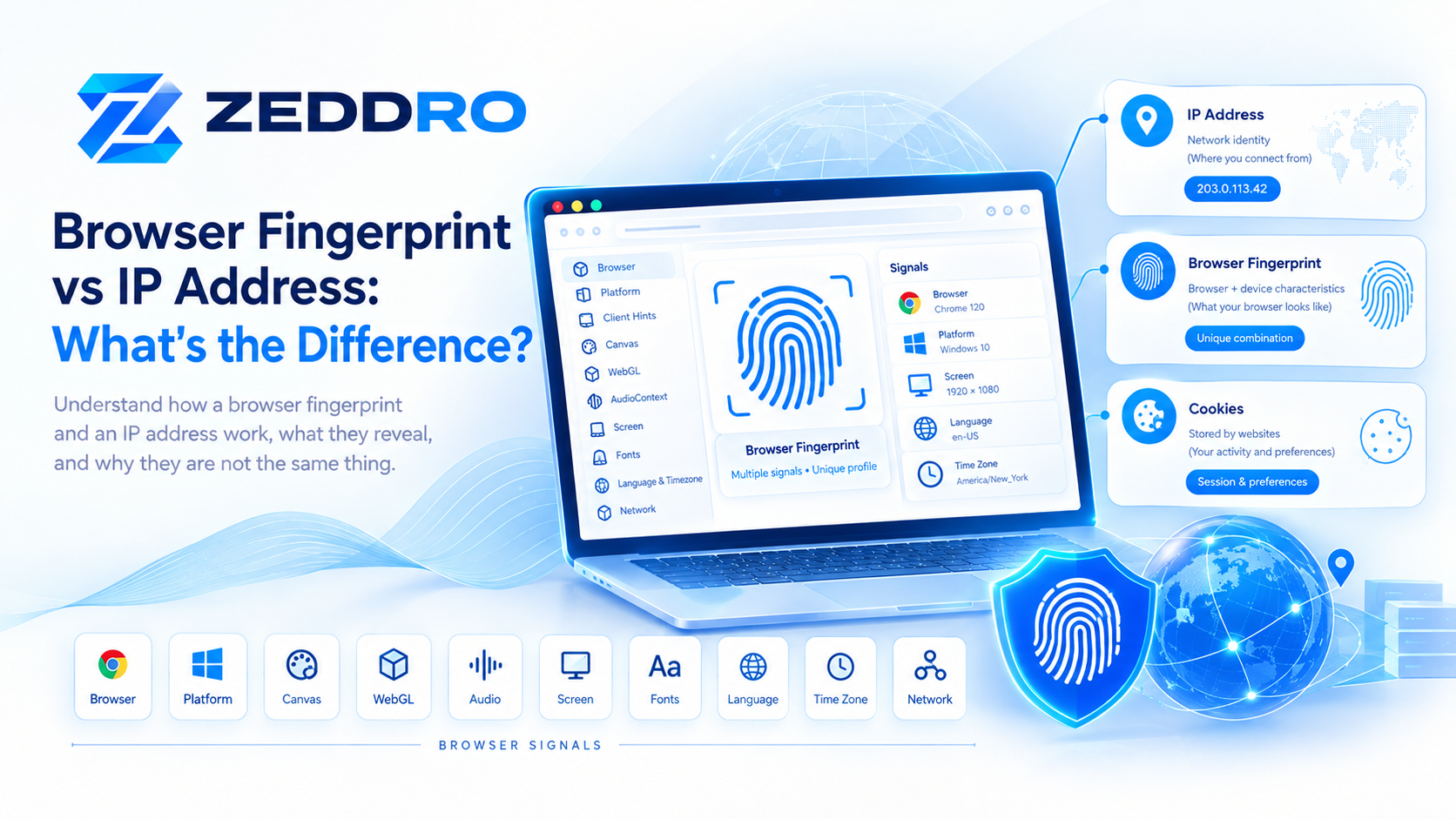
Does Changing Your IP Change Your Canvas Fingerprint?
No.
Your IP address belongs to the network layer.
Canvas rendering belongs to the browser/device environment.
For example:
Network Layer
IP → 203.0.113.10
can change while:
Browser Layer
Canvas → Fingerprint A
remains unchanged.
This is another reason why browser identity should be viewed as multiple layers rather than a single identifier.
Does Changing the Browser Change the Canvas Fingerprint?
It can.
Changing browsers may change:
- Rendering implementation
- Font handling
- Graphics behavior
- Browser version
- Canvas implementation
- Other rendering-related characteristics
However, changing browsers does not guarantee a completely different canvas result.
Two different browser environments can still produce similar outputs.
Does Changing the Operating System Change It?
It can also influence the result.
For example:
Windows
Rendering Stack A

macOS
Rendering Stack B
The browser's rendering path can differ between operating systems.
But again, there is no universal rule that says:
Different OS = completely different canvas fingerprint.
Fingerprinting is probabilistic.
What About GPU and Graphics Drivers?
Graphics hardware and drivers can influence rendering.
Consider:
Changing the underlying graphics environment can therefore affect canvas output.
This is one reason why canvas fingerprinting can provide information beyond simple browser version detection.
Can Fonts Affect Canvas Fingerprinting?
Yes.
Text rendering is one of the interesting parts of canvas fingerprinting.
If a canvas test renders specific text, differences in available fonts and font rendering can influence the resulting pixels.
For example:
Text
 ↓
Font Selection
 ↓
Font Rendering
 ↓
Pixel Output
This is another reason why a canvas fingerprint isn't simply a property of the browser application.
It can reflect characteristics of the broader environment.
Can Browser Privacy Protections Change Canvas Output?
Yes.
Some privacy protections intentionally interfere with or reduce the reliability of canvas-based fingerprinting.
For example, MDN documents that certain privacy settings can introduce subtle random noise into getImageData() results, making it harder for a website to infer the rendering device.
This creates an interesting trade-off.
A website wants accurate canvas output for legitimate graphics functionality.
A privacy tool may want to make the output less useful for fingerprinting.
Modern browsers therefore increasingly need to balance:
Functionality ↔ Privacy
Why Randomizing Canvas Is Not Always Enough
A common assumption is:
"If I change the canvas fingerprint, I automatically become less detectable."
That's too simplistic.
Suppose a browser reports:
Browser → Chrome
OS → Windows
Screen → 1920×1080
WebGL → Renderer A
Canvas → Result X
Then the canvas suddenly changes to a result that doesn't fit the rest of the environment.
The issue isn't necessarily that the canvas changed.
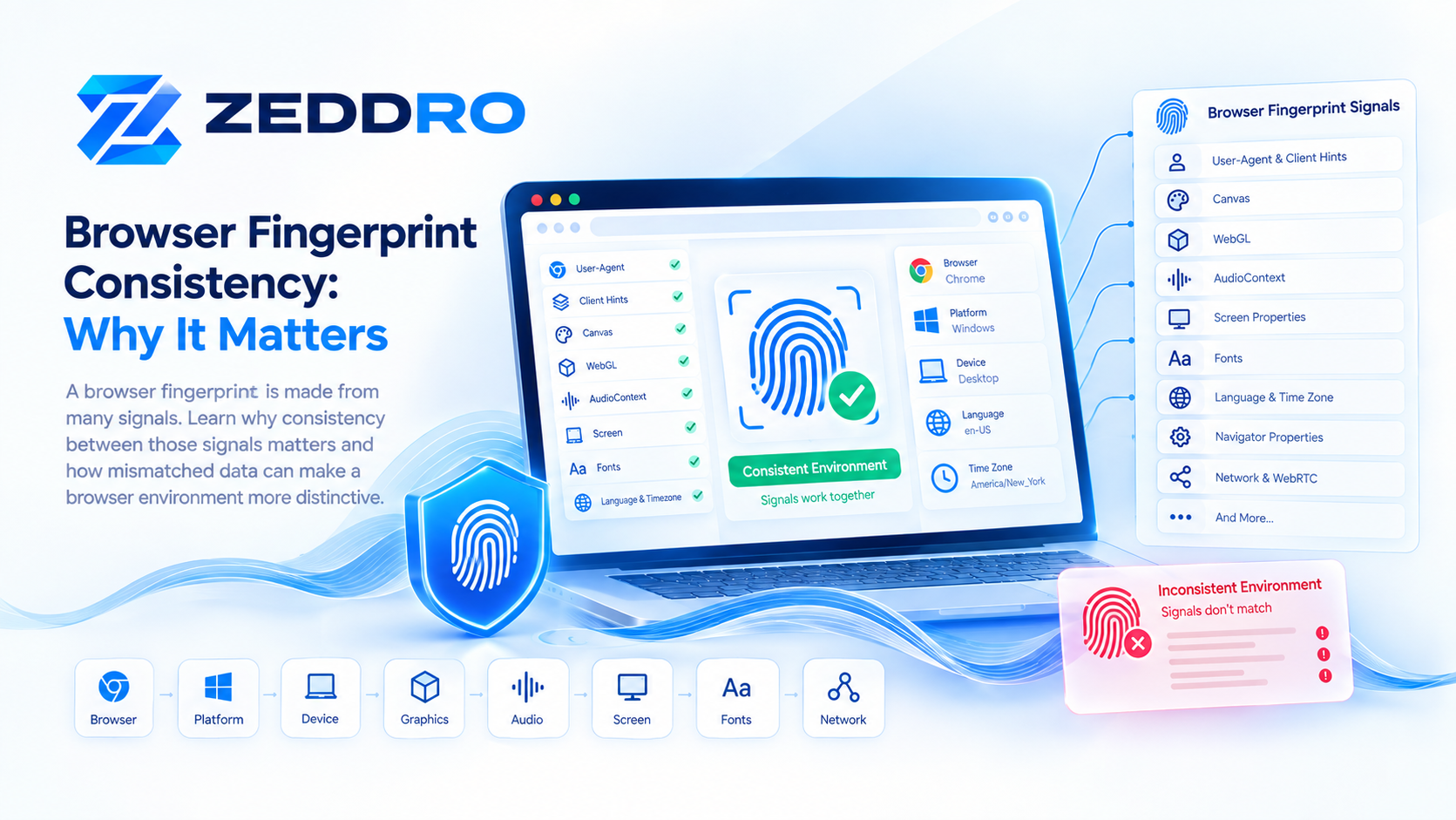
The issue is that the relationship between signals may no longer make sense.
EFF's research explains why fingerprint characteristics are interconnected and warns that changing individual elements can sometimes make a browser more distinctive rather than less.
Canvas Fingerprint Consistency
For controlled browser environments, consistency is an important concept.
Imagine a browser profile that produces:
Session 1 → Canvas A
Session 2 → Canvas A
Session 3 → Canvas A
Session 4 → Canvas A
The environment is stable.
Now compare:
Session 1 → Canvas A
Session 2 → Canvas X
Session 3 → Canvas B
Session 4 → Canvas Y
The second environment has a much less stable canvas characteristic.
That does not automatically mean a website will flag it.
But it demonstrates why stable browser behavior can be technically important when managing browser profiles.
Canvas Fingerprinting and Anti-Detect Browsers
Anti-detect browsers generally try to control browser characteristics that can contribute to fingerprinting.
Canvas is one of the characteristics that may be managed alongside:
- WebGL
- AudioContext
- Navigator properties
- Screen characteristics
- Browser configuration
- Client Hints
- Hardware-related values
The goal isn't simply to create a random canvas output.
A sophisticated browser-profile system needs to consider how the canvas signal relates to the rest of the environment.
This is why browser fingerprint management is fundamentally a consistency problem, not merely a randomization problem.
How Zeddro Handles Canvas as Part of a Browser Profile
Zeddro treats Canvas as one component of a broader browser fingerprint.
Rather than viewing Canvas independently, it forms part of the profile's overall browser environment.
A simplified representation is:
             Browser Profile
                    │
        ┌───────────┼───────────┐
        ↓           ↓           ↓
     Canvas       WebGL      AudioContext
        │           │           │
        └───────────┼───────────┘
                    ↓
          Browser Environment
This approach is important because browser fingerprints contain relationships between multiple characteristics.
For professional browser-profile management, the objective is to maintain isolated and predictable environments, rather than simply changing individual values without considering the rest of the profile.
Is Canvas Fingerprinting Still Relevant in 2026?
Yes.
Canvas remains an important concept in understanding browser fingerprinting because it demonstrates a fundamental property of the technology:
A browser can reveal information through how it behaves, not only through explicit configuration values.
At the same time, the fingerprinting landscape continues to change.
Browsers are implementing privacy protections, reducing certain forms of information exposure, and introducing techniques designed to make users harder to distinguish.
The W3C continues to treat browser fingerprinting as an important privacy consideration when designing web specifications.
So the exact implementation details may evolve, but the underlying principle remains relevant.
How to Think About Canvas Fingerprinting
A useful mental model is:
                    Canvas
                      │
             Drawing Instructions
                      │
                      ↓
              Browser Renderer
                      │
          ┌───────────┼───────────┐
          ↓           ↓           ↓
         OS          GPU       Fonts
          │           │           │
          └───────────┼───────────┘
                      ↓
                Pixel Output
                      ↓
              Fingerprint Signal
                      ↓
          Combined Browser Profile
The canvas itself isn't the identity.
It is the measurement of the rendering process that becomes useful.
Canvas Fingerprinting: The Short Version
If you only remember a few points, remember these:
- Canvas fingerprinting uses browser-rendered graphics as a fingerprinting signal.
- Websites can render controlled content inside an HTML Canvas.
- The resulting pixels can vary between browser environments.
- Operating systems, browsers, graphics hardware, drivers, and fonts can influence rendering.
- The rendered output can be processed into a fingerprint signal or hash.
- A canvas fingerprint isn't necessarily unique by itself.
- Canvas becomes more powerful when combined with other browser signals.
- Canvas fingerprinting is different from cookie-based tracking.
- Changing an IP address does not automatically change a canvas fingerprint.
- Privacy protections can deliberately reduce the usefulness of canvas measurements.
- Changing one fingerprint signal without considering the rest of the environment can create inconsistencies.
- Canvas is best understood as one component of a broader browser identity.
Frequently Asked Questions
What is canvas fingerprinting?
Canvas fingerprinting is a technique that uses the way a browser renders HTML Canvas content as a signal for distinguishing browser environments.
How does canvas fingerprinting work?
A website can draw predefined graphics or text onto a canvas, obtain the resulting pixel data, and process it into a value that can be compared with other browser observations.
Is canvas fingerprinting the same as WebGL fingerprinting?
No. Canvas and WebGL can both expose graphics-related characteristics, but they use different browser APIs and can provide different signals.
Is a canvas fingerprint unique?
Not necessarily. Multiple browsers can produce the same or similar canvas results. Its value generally increases when combined with other fingerprint signals.
Can deleting cookies stop canvas fingerprinting?
No. Canvas fingerprinting does not depend on the same mechanism as cookies.
Does changing an IP address change a canvas fingerprint?
No. IP information belongs to the network layer, while canvas rendering is part of the browser and device environment.
Can canvas fingerprinting be blocked?
Some browser privacy protections can reduce the information available to fingerprinting scripts or alter canvas-related output. However, blocking fingerprinting completely can affect website functionality.
Why does canvas rendering differ between computers?
Differences in browsers, operating systems, graphics hardware, drivers, fonts, and rendering implementations can influence the final pixel output.
Final Takeaway
Canvas fingerprinting demonstrates an important principle of modern browser identity:
A browser can be distinguished not only by what it reports, but also by how it behaves.
The Canvas API was designed primarily to enable graphics on the web. But the rendering process can also expose subtle characteristics of the environment performing that rendering.
Those characteristics can become one component of a larger fingerprint alongside WebGL, AudioContext, browser configuration, screen information, language, hardware characteristics, and other signals.
The most important concept isn't the canvas hash itself.
It is the relationship between the canvas signal and the rest of the browser environment.
That is why understanding canvas fingerprinting is an important step toward understanding modern browser fingerprints as a whole.